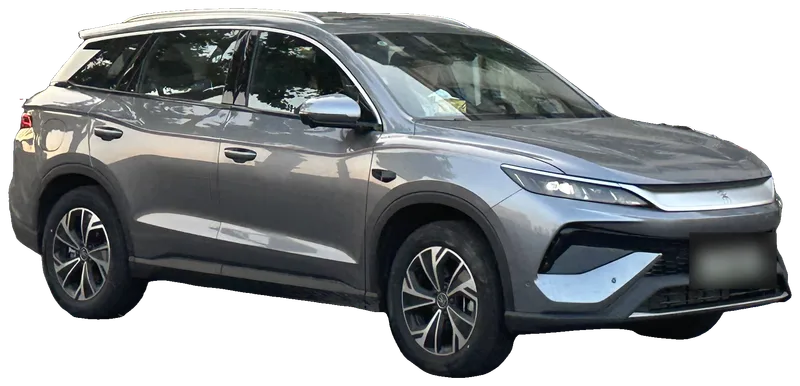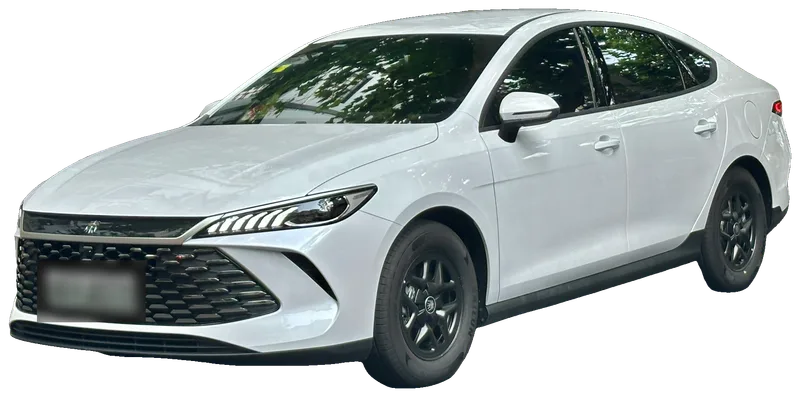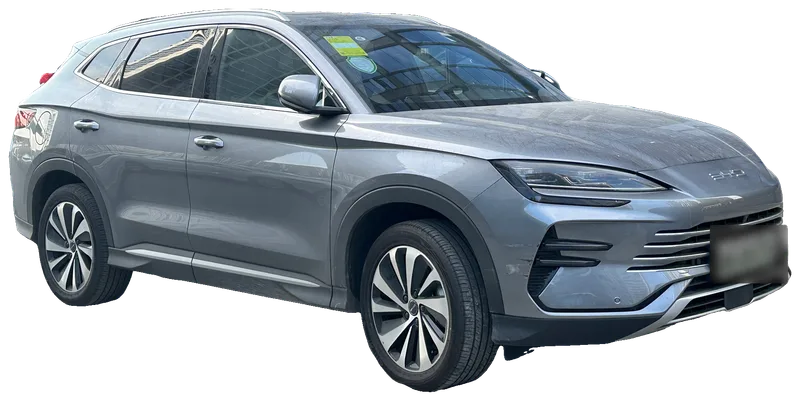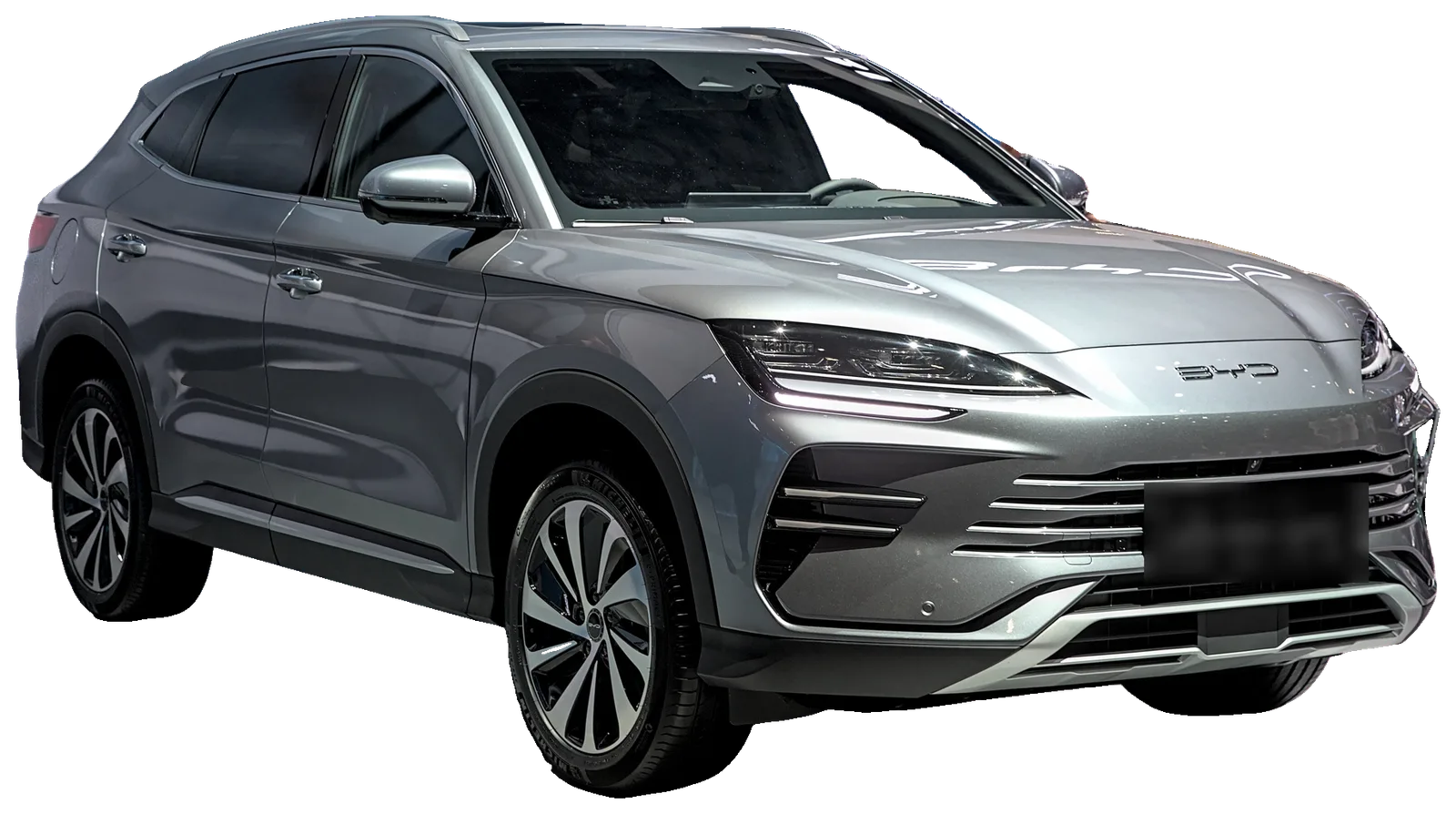
← BYD models

Independent app for the BYD Song Premium

Your BYD Song Premium, made smarter.

The Song Premium shares the head unit and cluster of the Song Plus, DashArc’s development car, and gets the same features. Waze on the cluster, live cameras on your phone, dashcam and sentry mode and remote control.

  • Waze on the cluster
  • Live cameras
  • Dashcam & sentry
  • Phone control
BYD Song Premium DM-i

WHY DASHARC

Everything the Song Premium head unit should have shipped with.

Native on the head unit

Runs right on the Song Premium DiLink head unit: no mirroring, no dongle, no WebView.

No root

The DashArc Unlocker enables app installs and installs DashArc. No laptop in the car.

Car switched off

Live cameras and sentry mode stay available in stay-awake mode, with an eye on the 12 V battery.

Updates on the head unit

New versions arrive on the head unit itself, with automatic installs if you want.

30-day free trial

Try everything on your car before paying. Then a one-time lifetime license.

FEATURES

Built for daily driving in the Song Premium.

Everything below is already in the app. Tap a title to see the feature in detail.

Waze on the Song Premium cluster

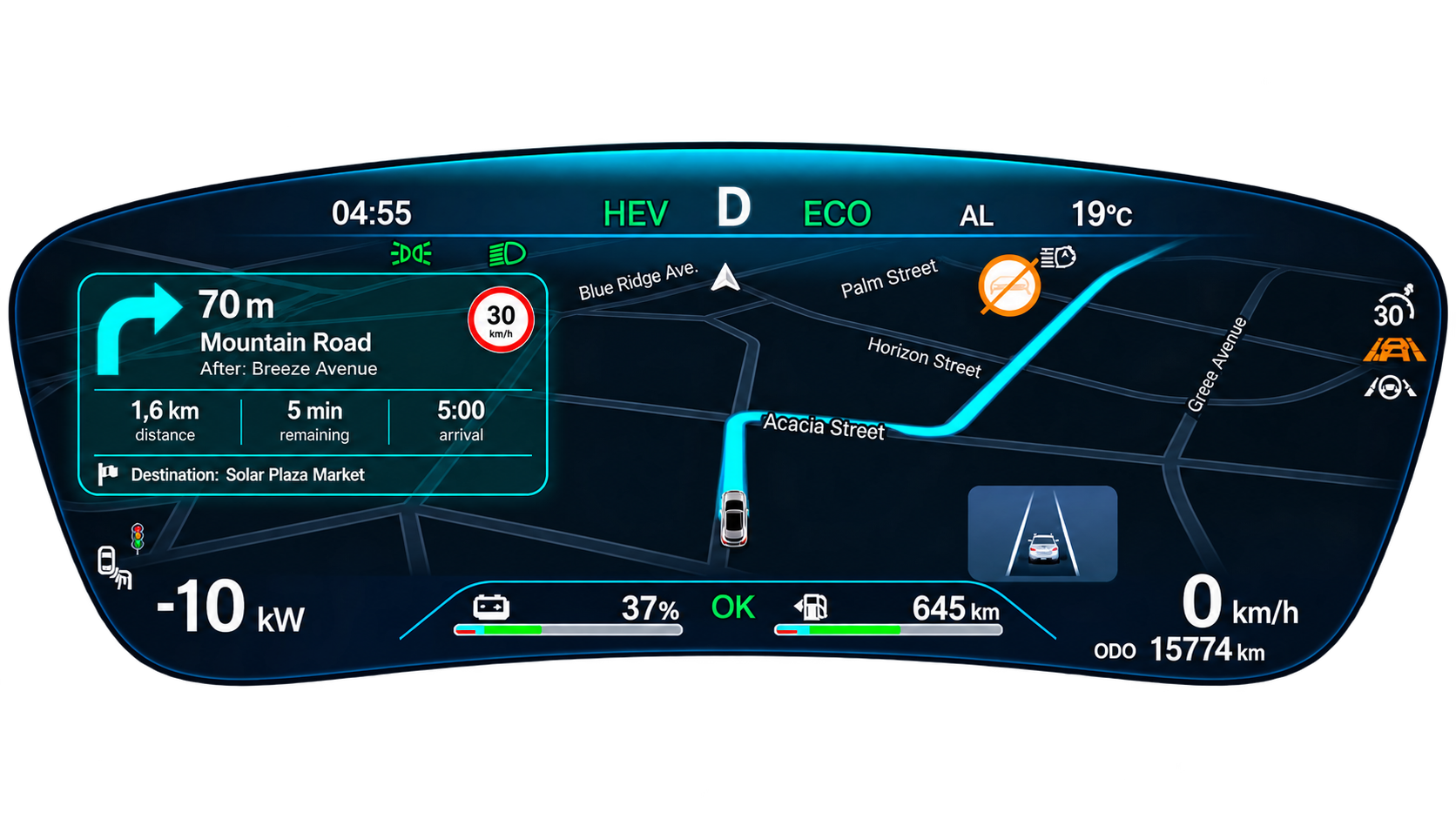
The Waze route shows on the instrument cluster, in front of the wheel, with the next turn always in sight. The head unit stays free for music or your passenger.

  • Android Auto or CarPlay, no phone mirroring
  • Lane guidance, speed camera and police alerts
  • Map themes and color editor
See details →
Waze route on the Song Premium instrument cluster with DashArc

Maneuvering cameras on the Song Premium cluster

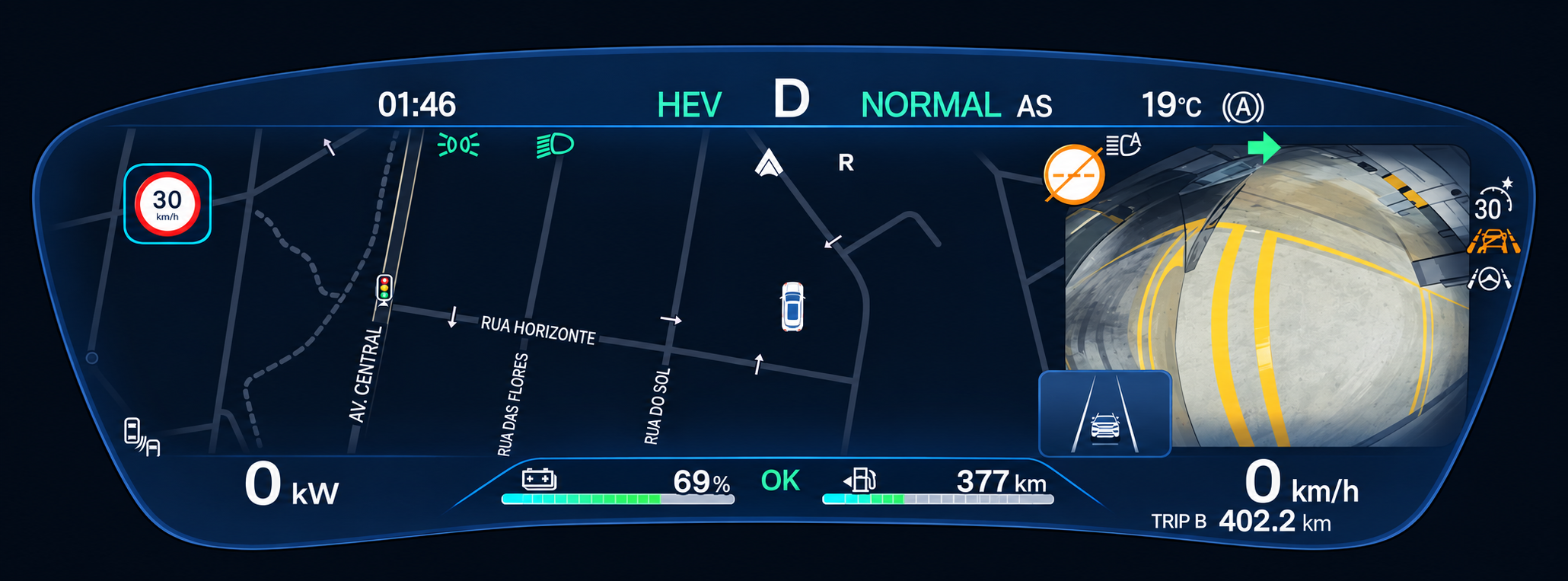
Waze, lane guidance, alerts and maneuvering cameras show on the 12.3″ instrument cluster, in the same layout as the Song Plus. The head-up display keeps its factory information: DashArc does not touch it.

  • Automatic side camera with the turn signal, for the blind spot
  • Rear camera on the cluster
  • Adjustable position, size and shape
See details →
Side camera on the Song Premium cluster with DashArc

Dashcam and sentry mode

All four Song Premium cameras recorded into a single 2×2 video, while driving and while parked.

  • Records to the head unit, SD card or USB drive
  • Sentry mode with the car off and locked
  • Watch and download videos on your phone
See details →
Dashcam and sentry recordings in the DashArc portal

Trip history

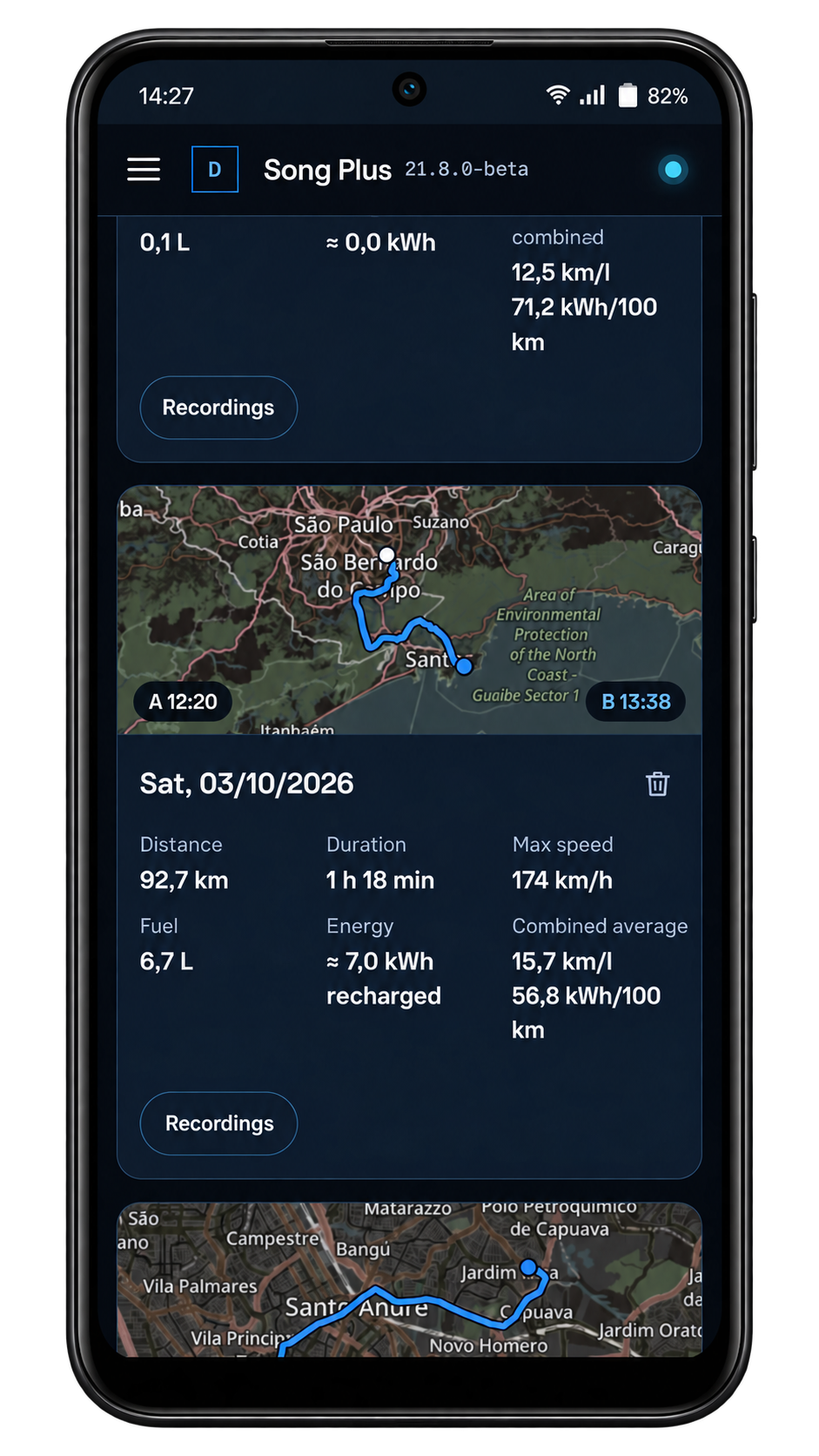
Every Song Premium trip with the route on the map and real consumption, in the car and on your phone.

  • Liters of fuel and kWh of energy per trip
  • Speed, consumption and power charts
  • The trip recordings in the same place
See details →
Trip history in the DashArc portal

Apps and remote head unit access

Install apps on the Song Premium head unit and see or control the infotainment screen from afar.

  • Send APKs from your phone to the head unit
  • DashArc app store
  • Head unit screen on your phone, with touch
See details →
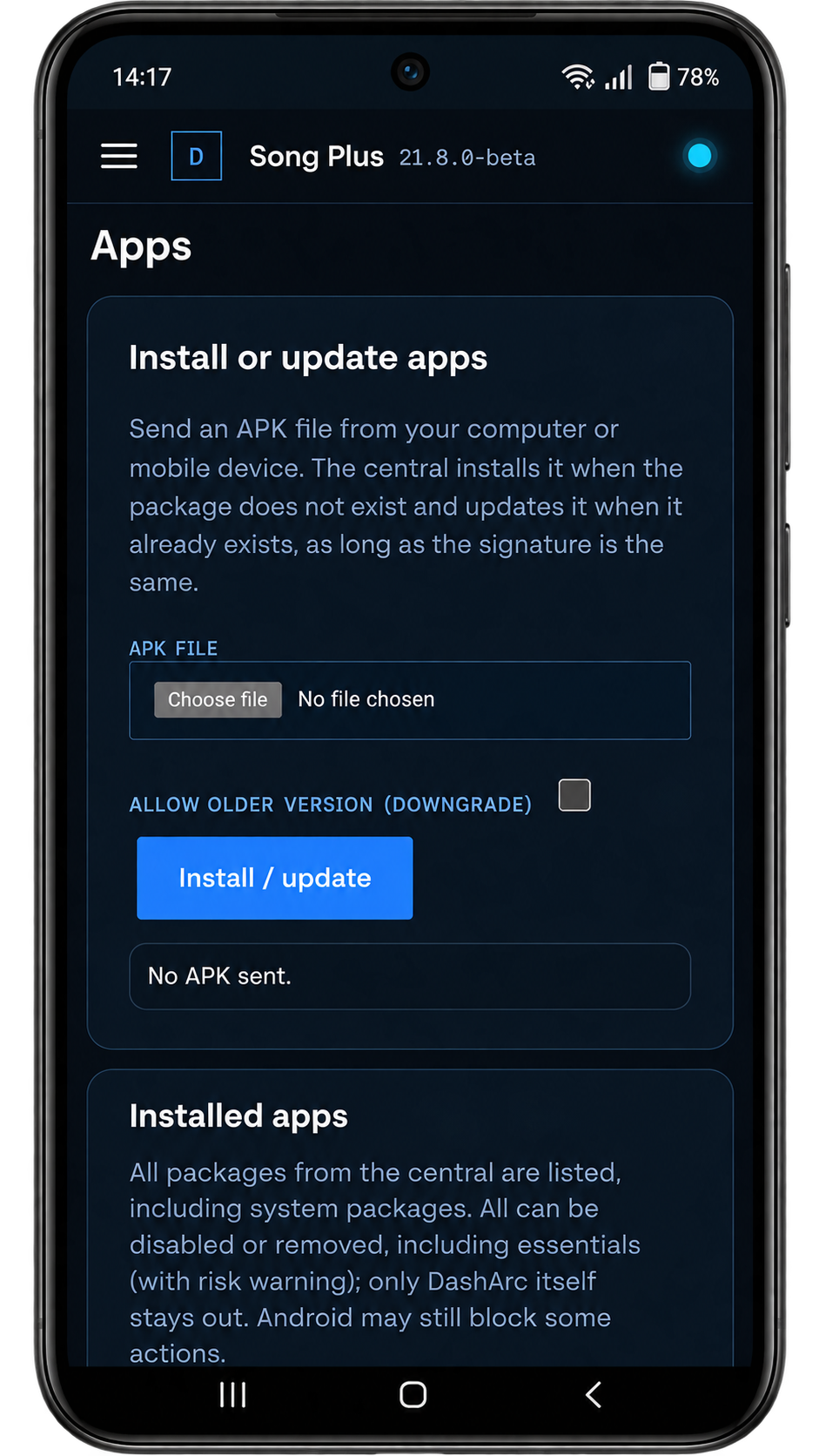
Installing apps on the head unit from the DashArc portal

ON YOUR PHONE

Your Song Premium, in the palm of your hand.

DashArc on your phone: car status, cameras, recordings, trips, files and the head unit apps, wherever you are.

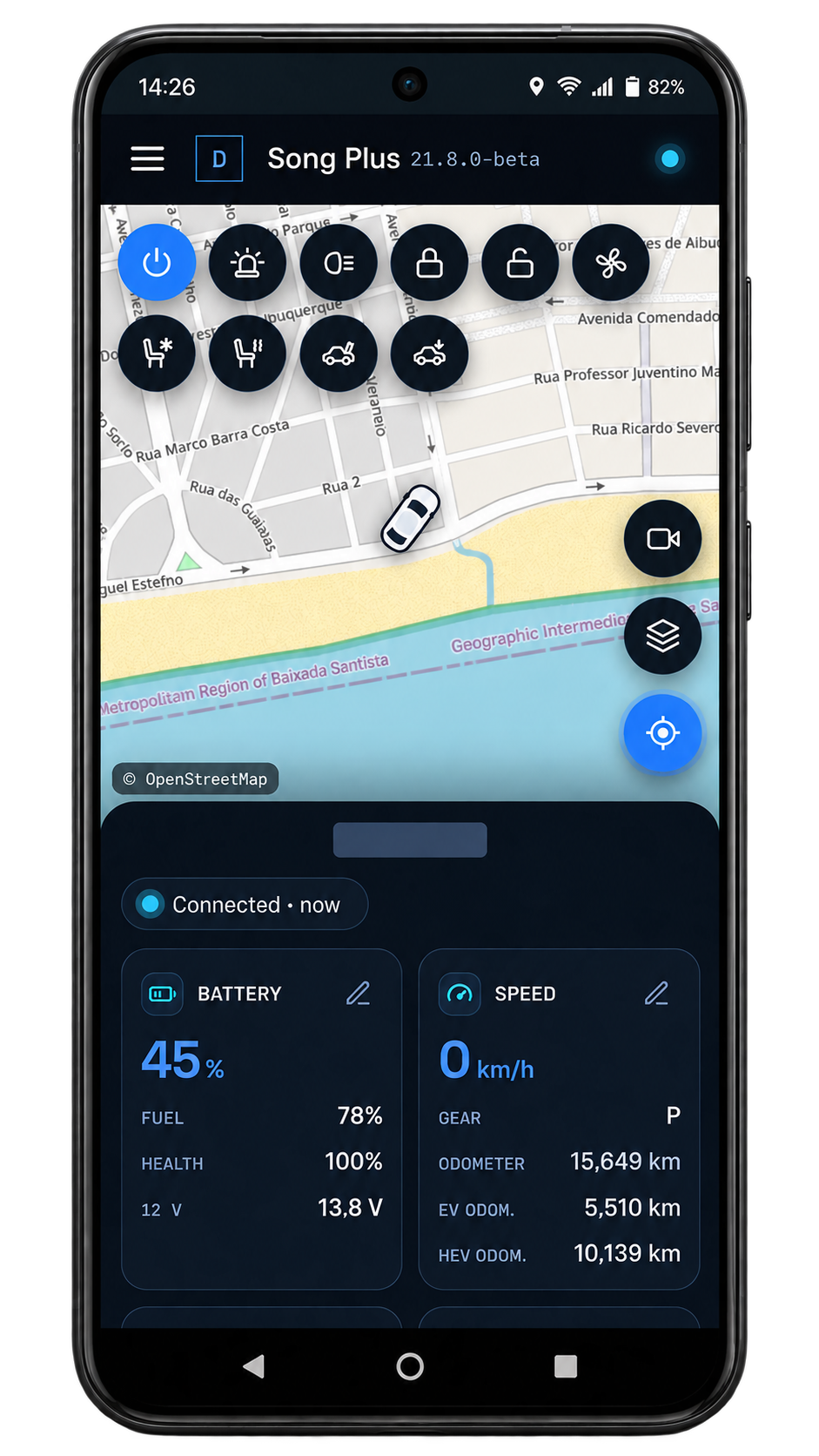
Vehicle status on the phone: map with the car position, command buttons, battery and speed
Current statusMap, battery, fuel and vehicle commands on one screen.
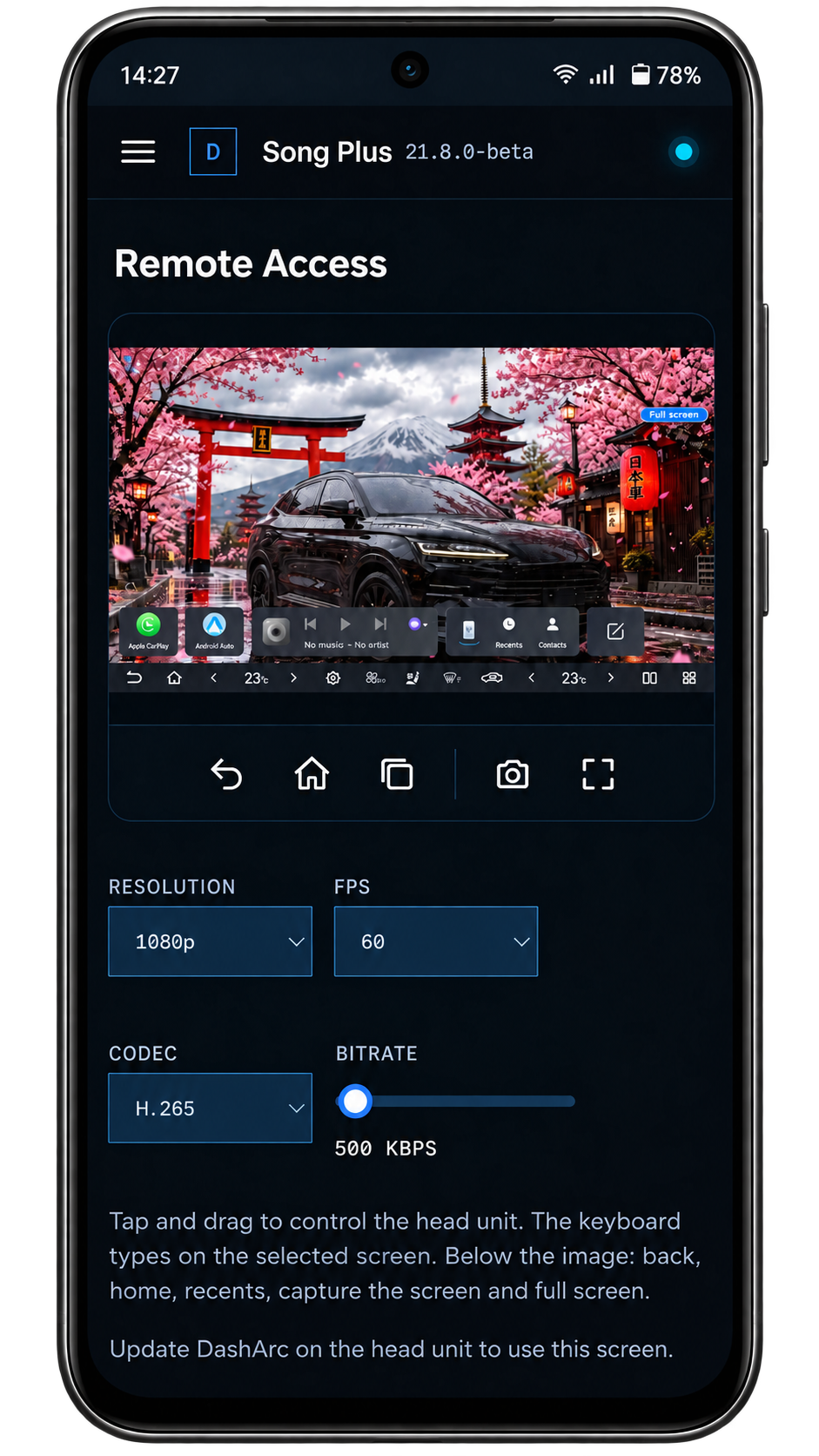
Remote access to the BYD head unit screen from the phone, with back, home, recents, capture and full screen
Remote accessSee and control the head unit screen from your phone.
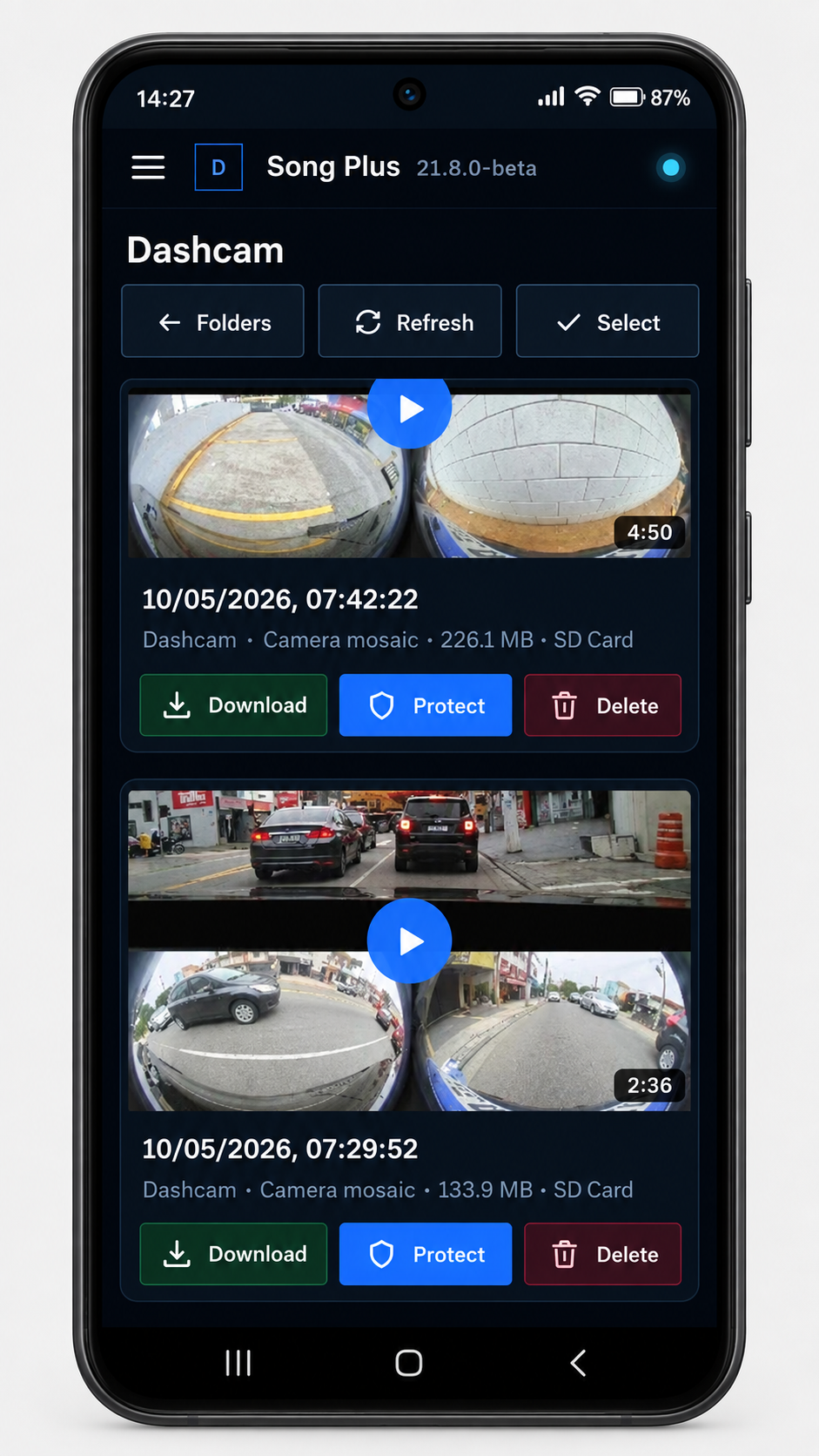
Dashcam recordings list with the camera mosaic and download, protect and delete buttons
RecordingsWatch and download your Dashcam and Sentry videos.
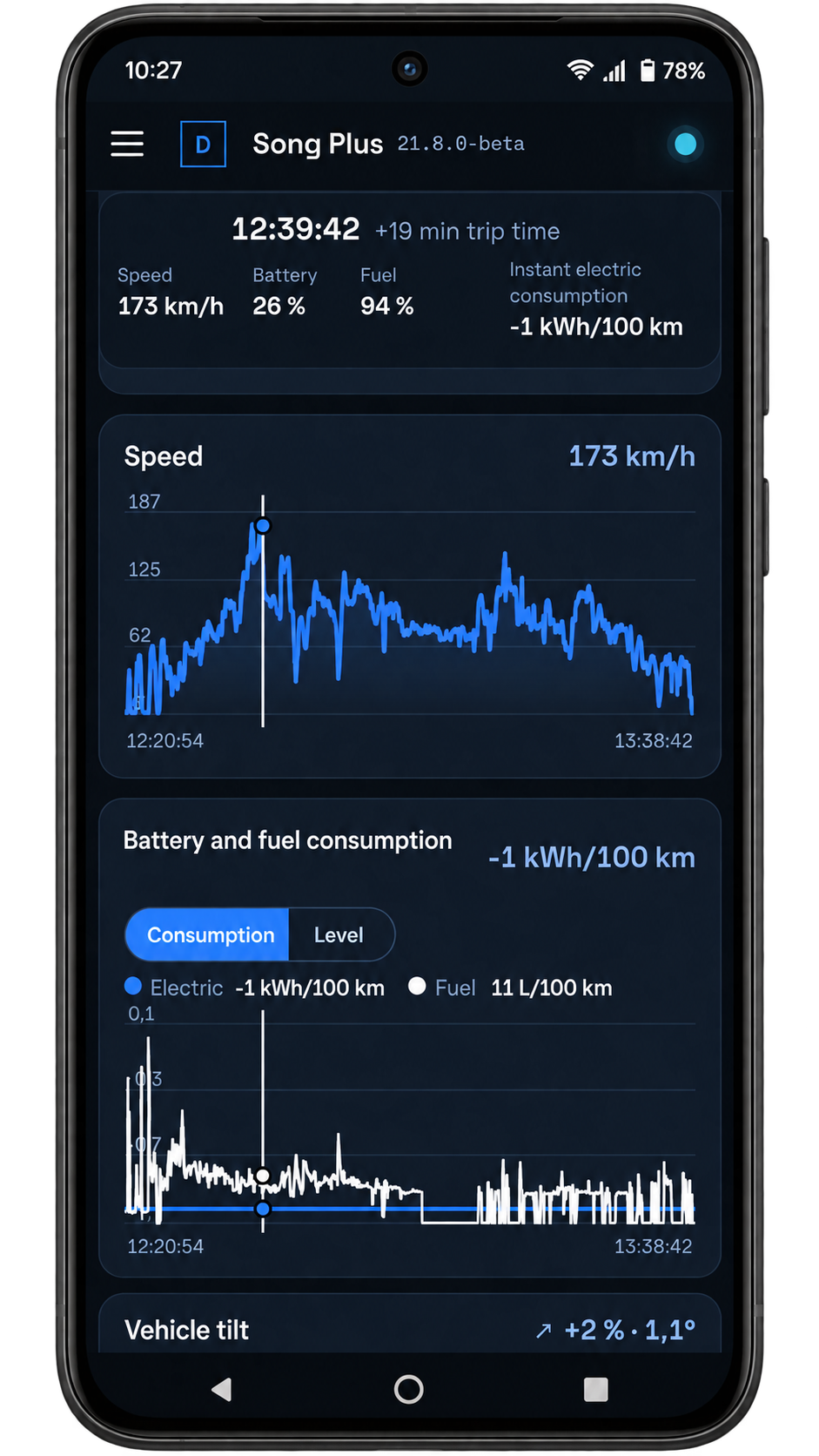
Trip history with the route map, distance, duration, fuel and energy
Trip historyEvery trip with distance, consumption and top speed.
Trip details with vehicle slope and delivered power charts
Trip detailsSlope, power and telemetry at every moment.
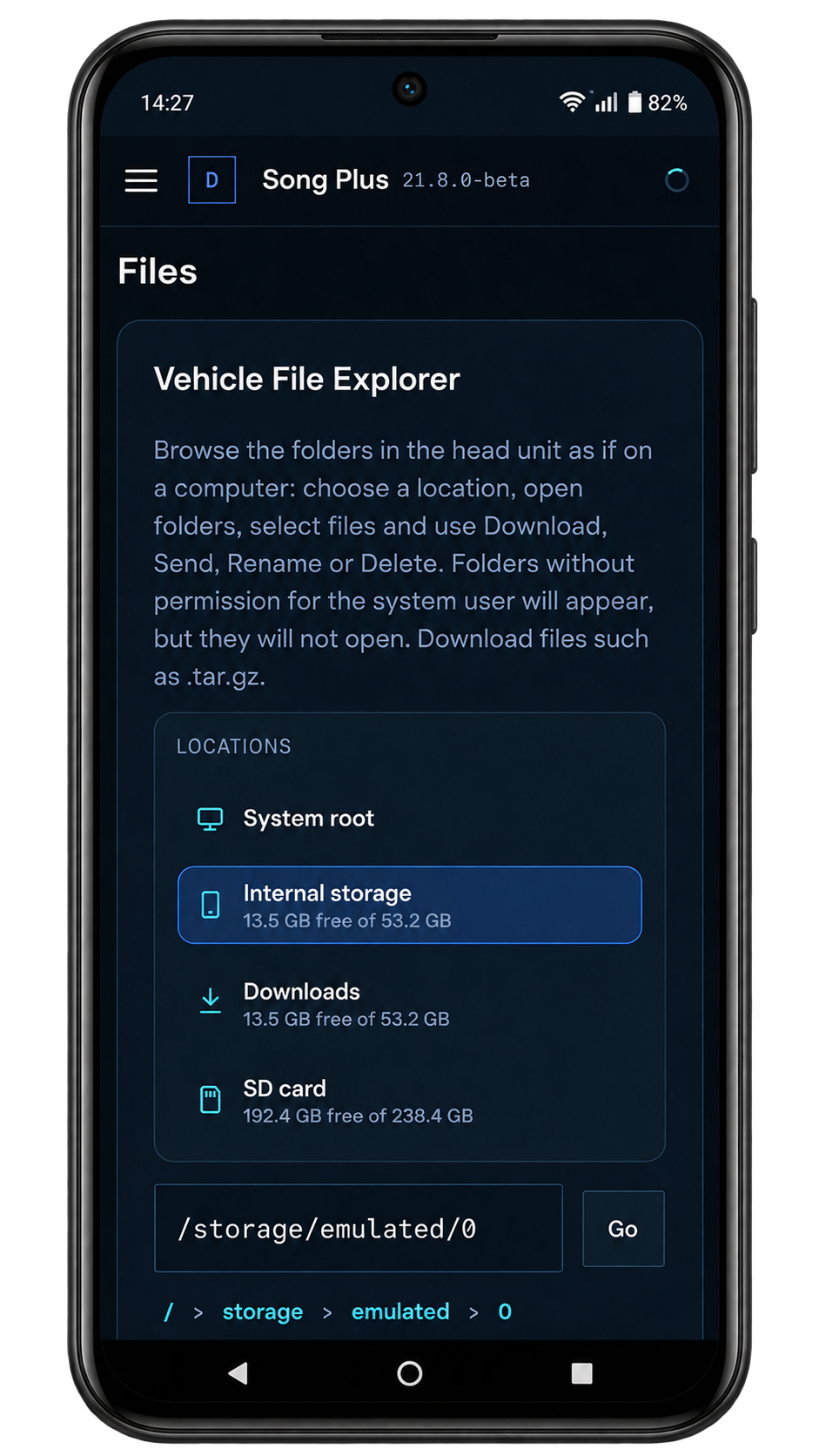
Vehicle file explorer with internal storage, downloads and SD card
FilesBrowse the head unit, SD card and USB drive folders.
Screen to install or update head unit apps by sending an APK from the phone
Install appsSend an APK from your phone and the head unit installs it.
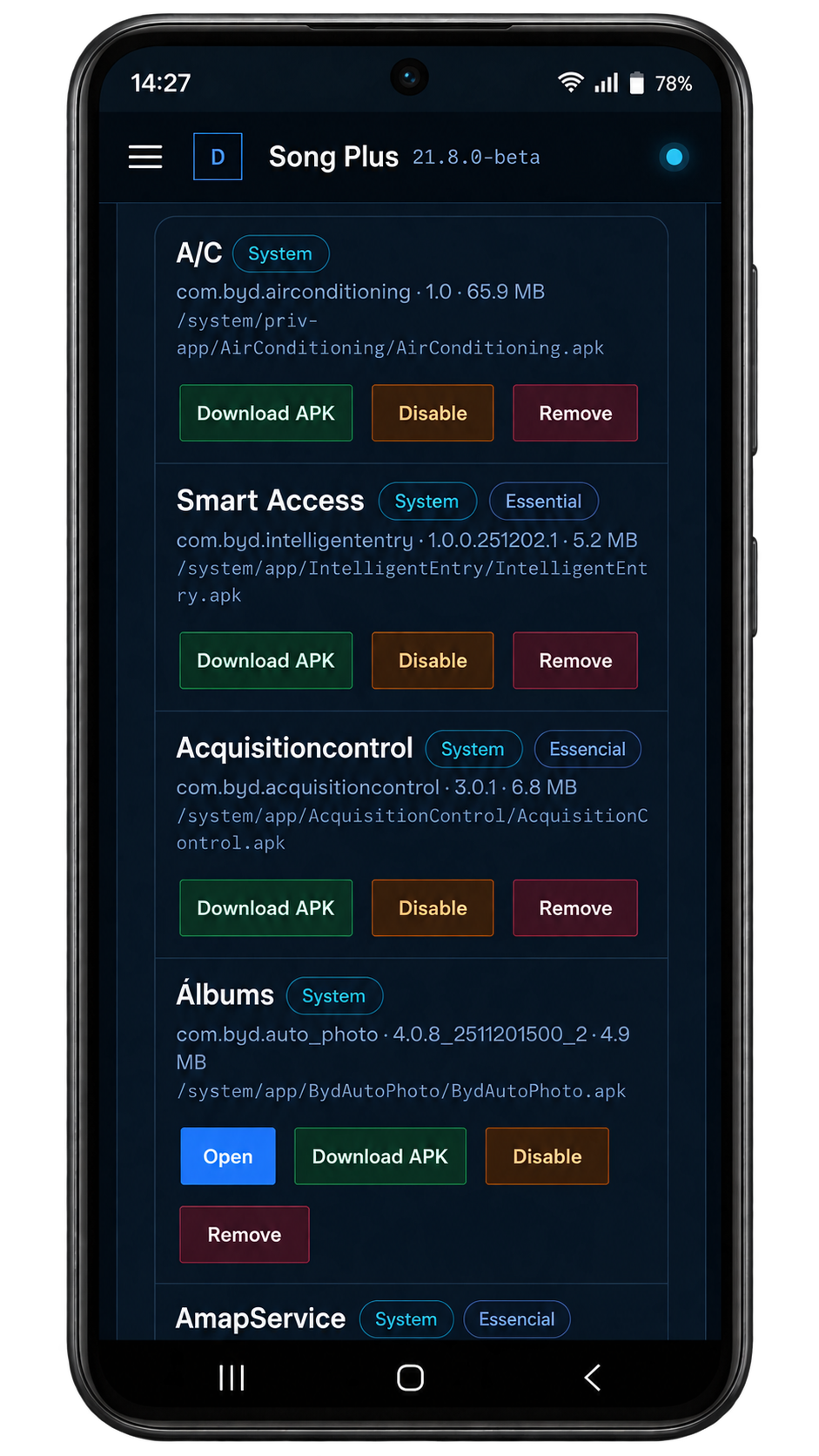
Installed head unit apps list with open, download APK, disable and remove
Installed appsOpen, download, disable or remove head unit apps.
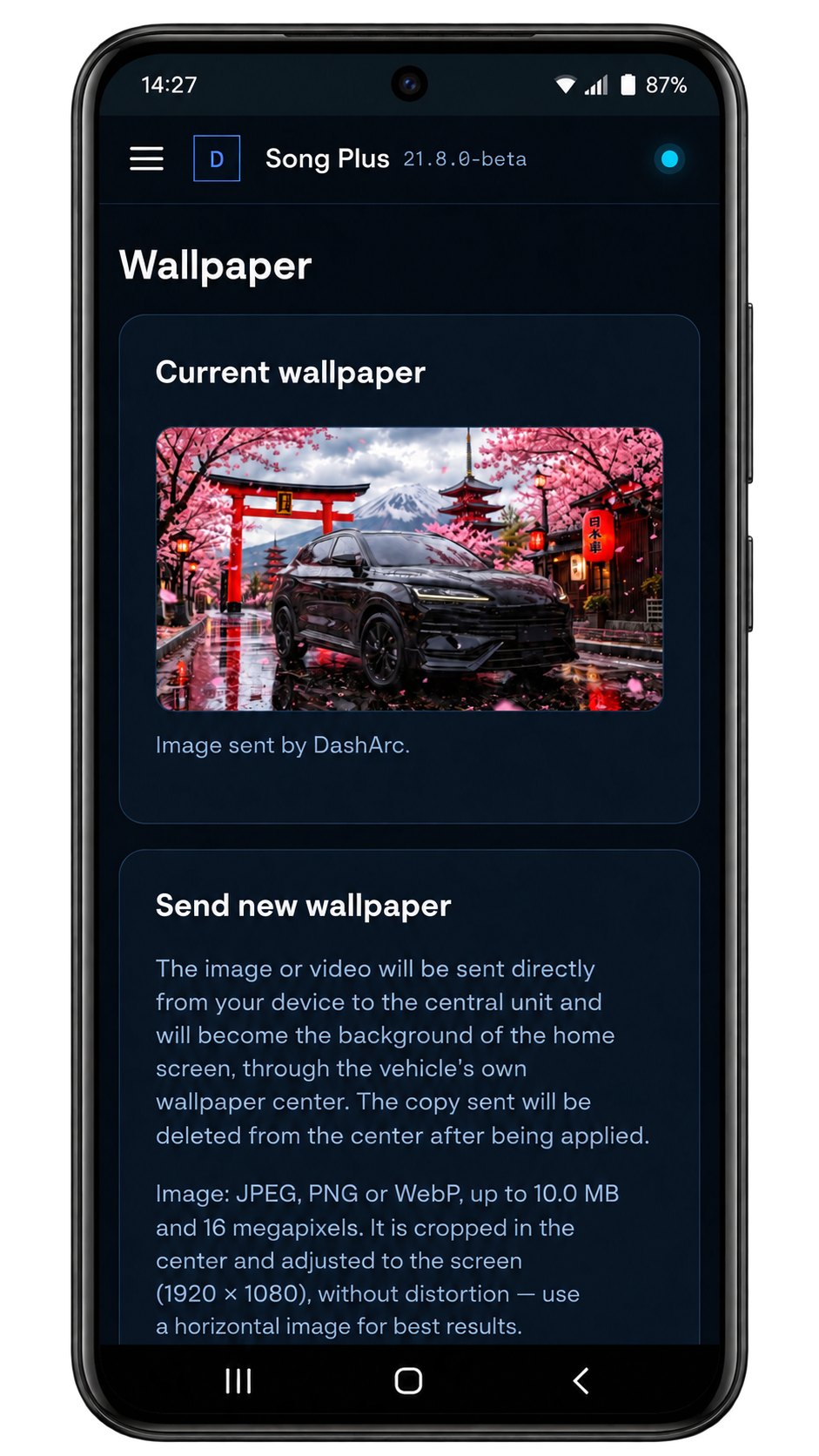
Wallpaper screen with the current head unit image and the option to send a new one
WallpaperSwap the head unit background for your own image.
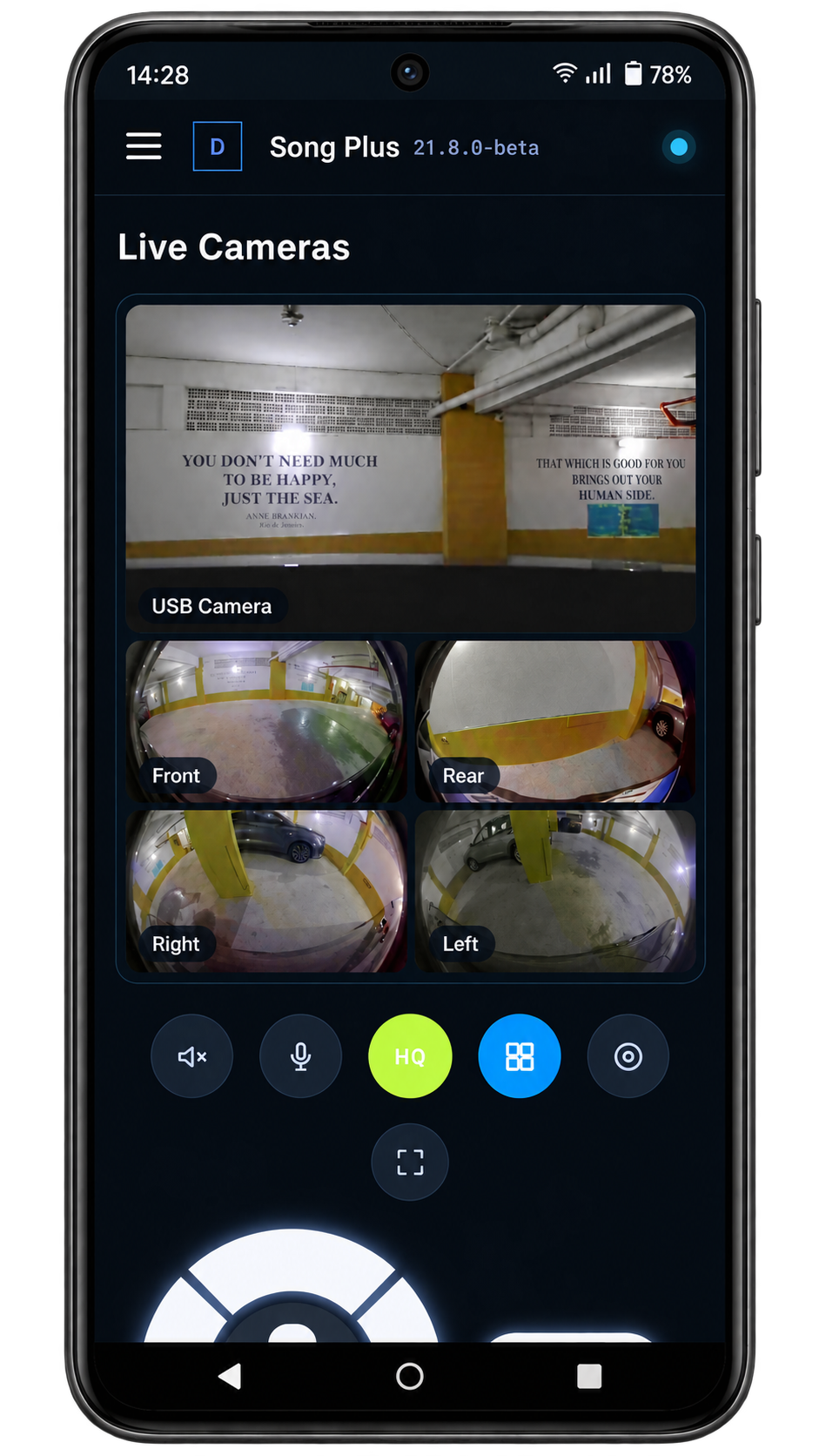
Live vehicle cameras and USB camera feed on the phone
Live camerasWatch the vehicle cameras and a connected USB camera live.
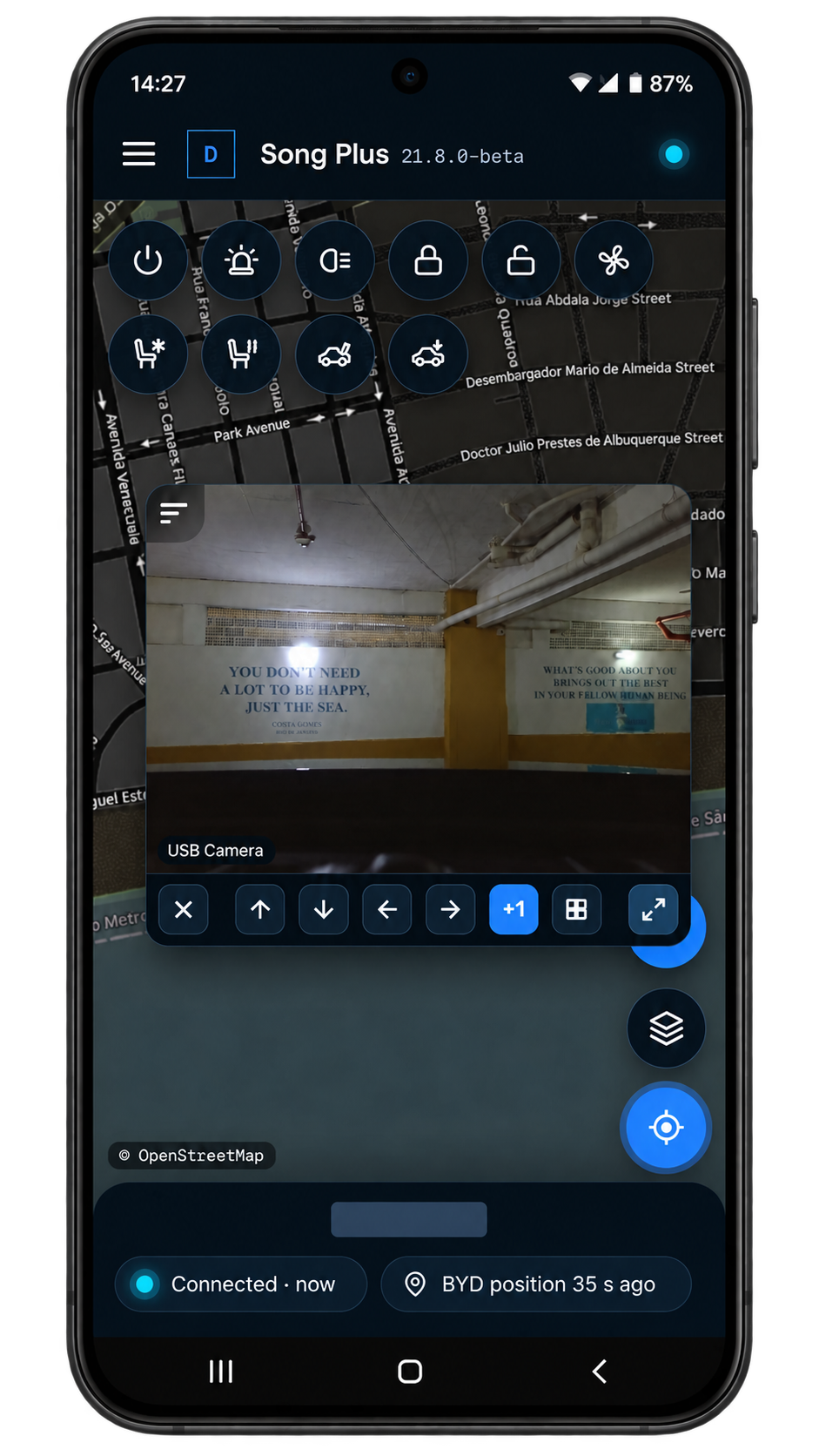
USB camera over the vehicle map with remote controls
Camera on the mapKeep a camera feed visible alongside the map and vehicle controls.

HOW IT WORKS

From install to daily use in four steps.

  1. Unlock the head unit

    The DashArc Unlocker enables app installs on the Song Premium head unit and installs DashArc.

  2. Open DashArc

    Grant the permissions on the head unit; the cluster and cameras work right away.

  3. Create your account

    Link the car to your account to use the portal on your phone.

  4. Use it in the car and on your phone

    Waze on the cluster, live cameras, recordings and commands from anywhere.

INSTALL

Get DashArc onto your Song Premium.

Download DashArc and, if the head unit does not install apps yet, use the Unlocker: it enables app installs and installs the app.

Installation guide ↗

SPEC SHEET

Designed for the Song Premium.

Where DashArc runs and how it connects to the car and your phone.

Vehicle
BYD Song Premium DM-i
Runs on
DiLink head unit (tested on DiLink 3, system 13.1.33)
Instrument cluster
12.3″ — same layout as the Song Plus; factory head-up display untouched
Remote access
Portal in your phone or computer browser
App languages
7 languages
License
30-day free trial · lifetime US$ 9.90

Tested on DiLink 3 head units running the 13.1.33 system family. Not every feature may be available on your vehicle; features depend on the head unit, firmware and model.

QUESTIONS

Frequently asked questions

Does DashArc work on the BYD Song Premium?

Yes. DashArc runs on the Song Premium DiLink head unit and is tested on DiLink 3 head units on the 13.1.33 system family. Features depend on each car’s head unit and firmware, so use the 30-day free trial to check on yours.

Are the Song Premium and Song Plus Premium the same car?

Yes. BYD calls it the Song Premium; many people search for Song Plus Premium DM-i. This page covers both names.

Can I put Waze on the Song Premium cluster?

Yes. DashArc draws the Waze route and turns (via Android Auto or CarPlay) on the Song Premium instrument cluster, with no phone mirroring.

Does DashArc interfere with the head-up display?

No. The head-up display keeps its factory information; DashArc uses the instrument cluster and the head unit.

Is DashArc an official BYD app for the Song Premium?

No. It is an independent app installed on the DiLink head unit. It does not replace any factory software and can be uninstalled at any time.

How do I use DashArc for the Song Premium on my phone?

When you create your account, tap "Install DashArc on your phone": DashArc goes to your iPhone or Android home screen, with live cameras, recordings, commands and trip history. On a computer, just open it in the browser.

How much does DashArc cost for the Song Premium?

30-day free trial. The international lifetime license is US$ 9.90 (local prices in some countries), paid once.

Give your Song Premium the software it deserves.

OTHER BYD MODELS

DashArc is an independent app. References to BYD, Waze and Android Auto identify the vehicle platform and integrations; they do not imply partnership or endorsement.

Vehicle photo: Alexander-93 / Wikimedia Commons, CC BY-SA 4.0 (cut out, plate blurred).