APPS · DILINK HEAD UNIT · BYD
Install apps
on your BYD head unit.
Out of the box, the BYD DiLink head unit only accepts apps from its own store. DashArc helps on both ends: the unlocker enables app installation on the head unit and, after that, DashArc becomes the car’s app manager.
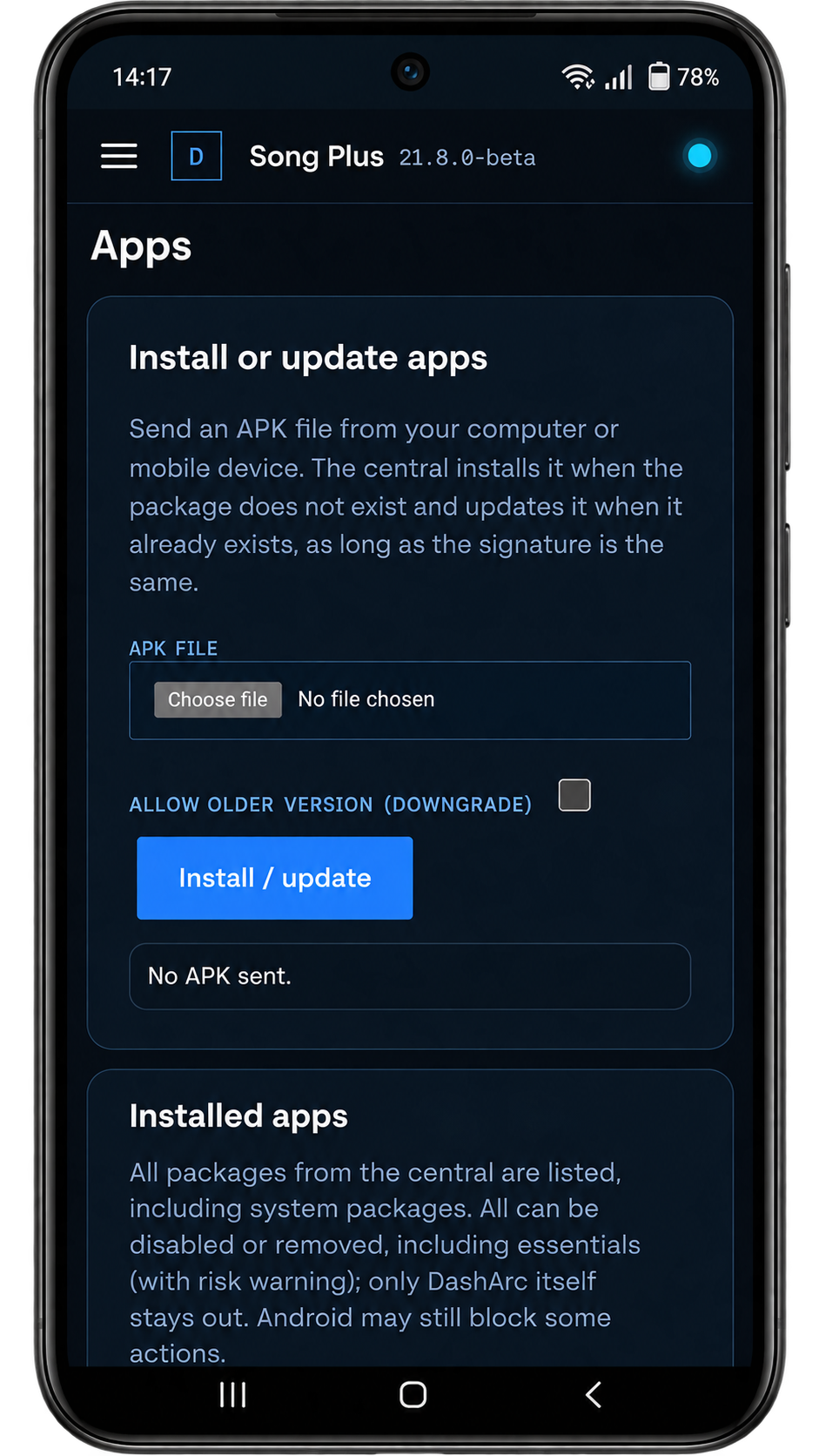
Install apps from the DashArc App store or by sending an APK from your phone — no USB stick, no cable.
Step 1: enable app installs on the head unit
The DashArc Unlocker enables third-party app installation on the head unit and installs DashArc: you install the Unlocker once from a USB drive and it completes the BYD verification, enables ADB and unlocks the APK installer by itself. The Unlocker has been tested on 2026 model-year cars with DiLink 3. To do it by hand, the regional guide shows the methods for your country (Brazil, Mexico, Australia, Europe, India and more).
Step 2: install apps from your phone
- App store: apps ready for the head unit, with Install, Update, Open and Uninstall. The store is open to everyone, no license required.
- Send APK: pick an APK on your phone and the head unit installs it.
- Installed apps: open, download the APK, disable or remove head unit apps, including system apps (with a risk warning).
Files and wallpaper
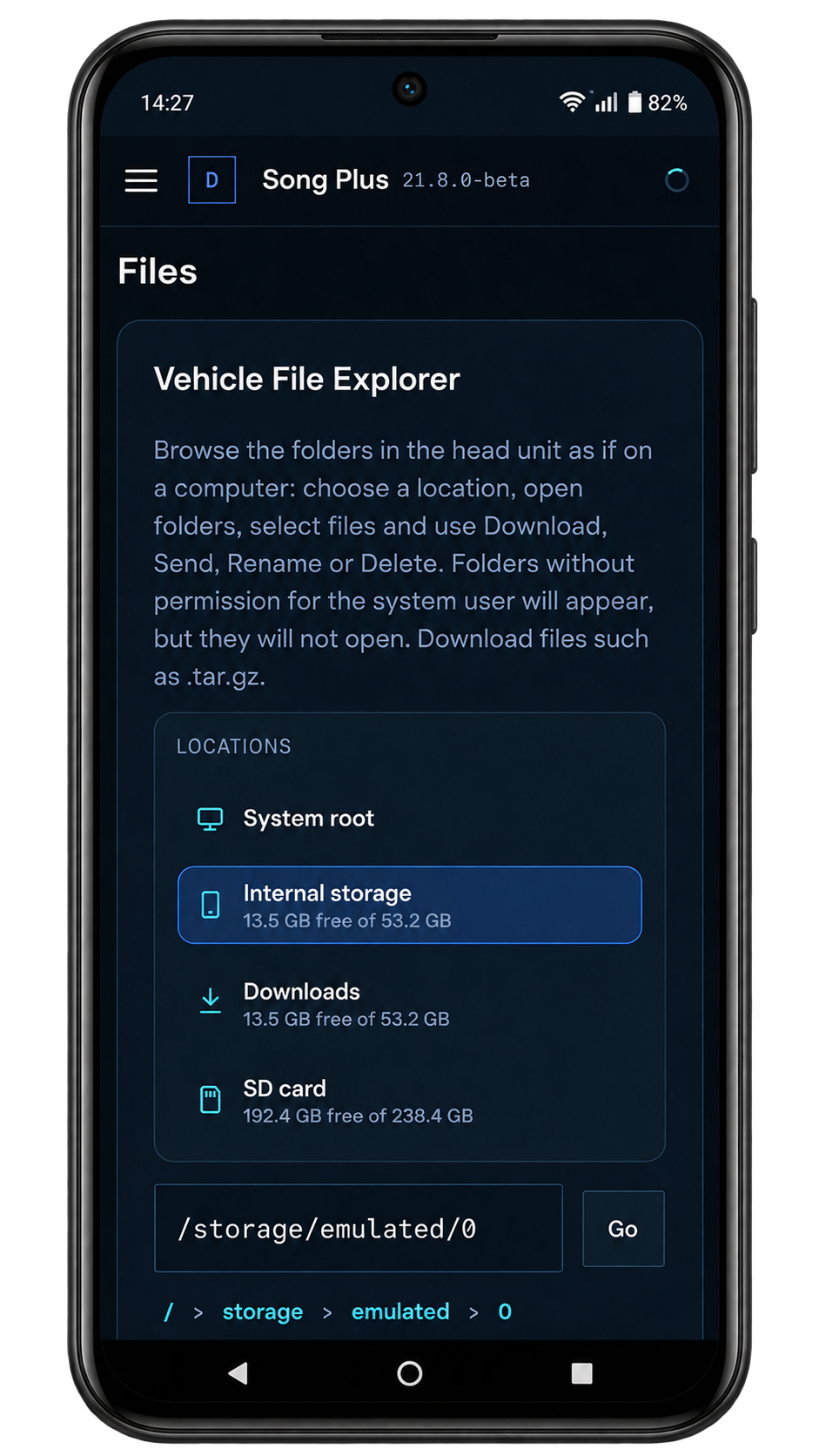
The portal includes a file explorer with the head unit, SD card and USB drive folders: download and upload files like on a computer. You can also change the head unit wallpaper to your own image.
Frequently asked questions
Does installing apps on the head unit void the BYD warranty?
We cannot speak for BYD’s or the dealer’s policy; check yours before installing. DashArc is an Android app installed on the head unit and can be uninstalled like any other app.
Will the unlocker work on my BYD?
It has been tested on 2026 model-year cars with DiLink 3. Results may vary on other head units, firmware versions and model years; the regional guide lists alternatives.
Can I remove factory apps?
Yes, DashArc can disable or remove head unit apps, including system apps, after a risk warning and confirmation. Removing essential apps can affect the head unit.
Tested on DiLink 3 head units running the 13.1.33 system family. Not every feature may be available on your vehicle; features depend on the head unit, firmware and model.
DashArc is an independent app. References to BYD, Waze and Android Auto identify the vehicle platform and integrations; they do not imply partnership or endorsement.
More DashArc features
- BYD live cameras on your phone — watch the car’s 360° cameras live on your phone, with audio, even while the car is off.
- BYD dashcam and sentry mode — record all four car cameras in a single video, driving or parked, to an SD card, USB drive or the head unit.
- Start and control your BYD from your phone — start the car and climate, open the trunk, control windows, sunroof, seats and lights from your phone.
- Remote access to the BYD head unit screen — see and control the car’s head unit screen from your phone or computer.
- BYD trip history and telemetry — every trip with a map, distance, real kWh and fuel use, charts and the recordings from that drive.
- Waze on the BYD instrument cluster — Waze turn-by-turn navigation on the display in front of the wheel, with maneuvering cameras and alerts.