Your route, ahead
Follow Waze turn-by-turn navigation via Android Auto or CarPlay on the instrument cluster.
NAVIGATION · CAMERAS · CUSTOMIZATION
DashArc brings Android Auto and CarPlay navigation straight to your BYD instrument cluster, plus live cameras, remote access, recordings, and more!
Tested only on DiLink 3 head units in the 13.1.33 system family. Compatibility with other head units or versions is not guaranteed.
Download, install, and try it in your vehicle.
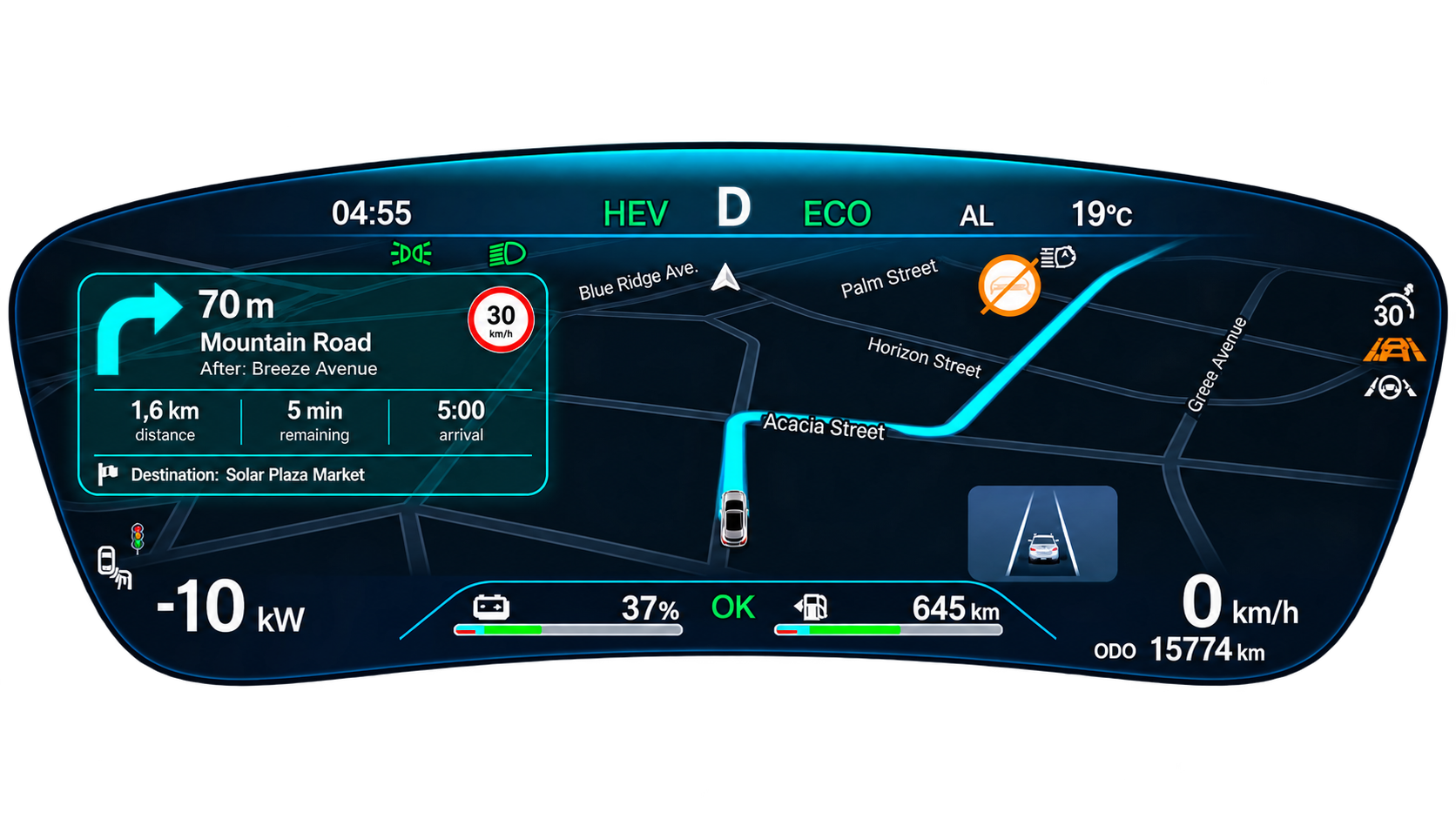
Your next turn, right on your cluster.
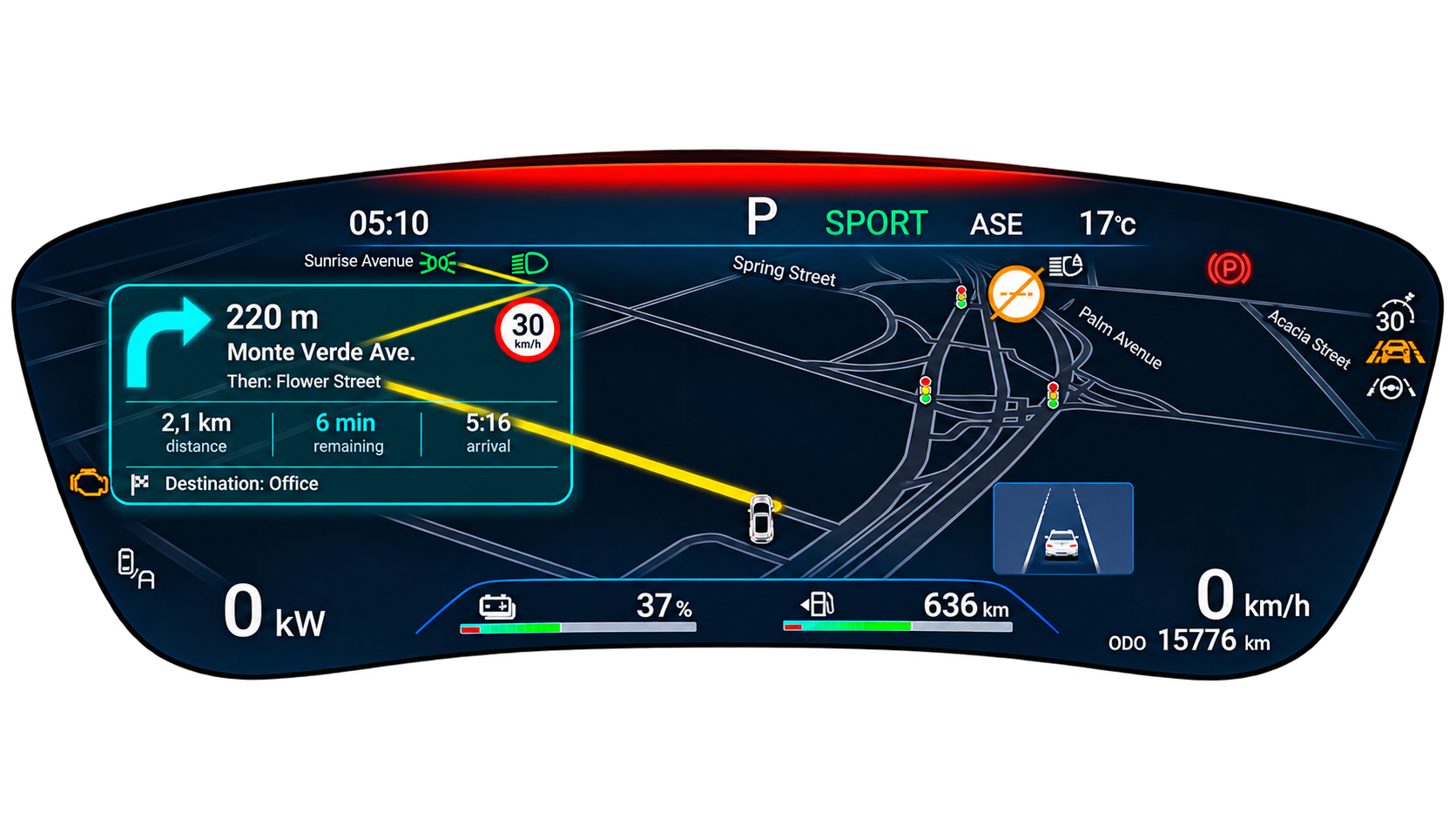
Directions and arrival time alongside the map.
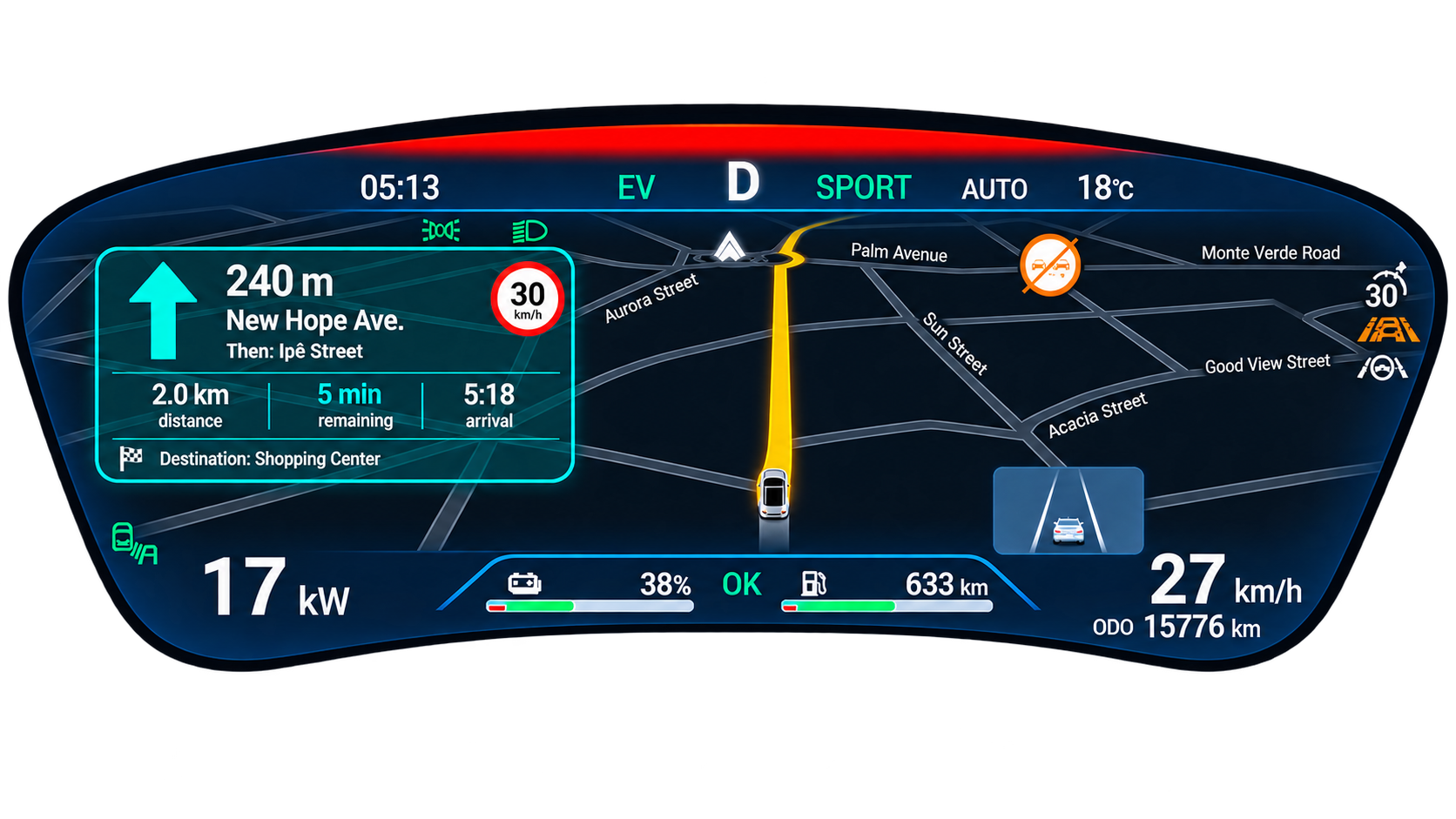
Your route and next maneuver on the instrument cluster.
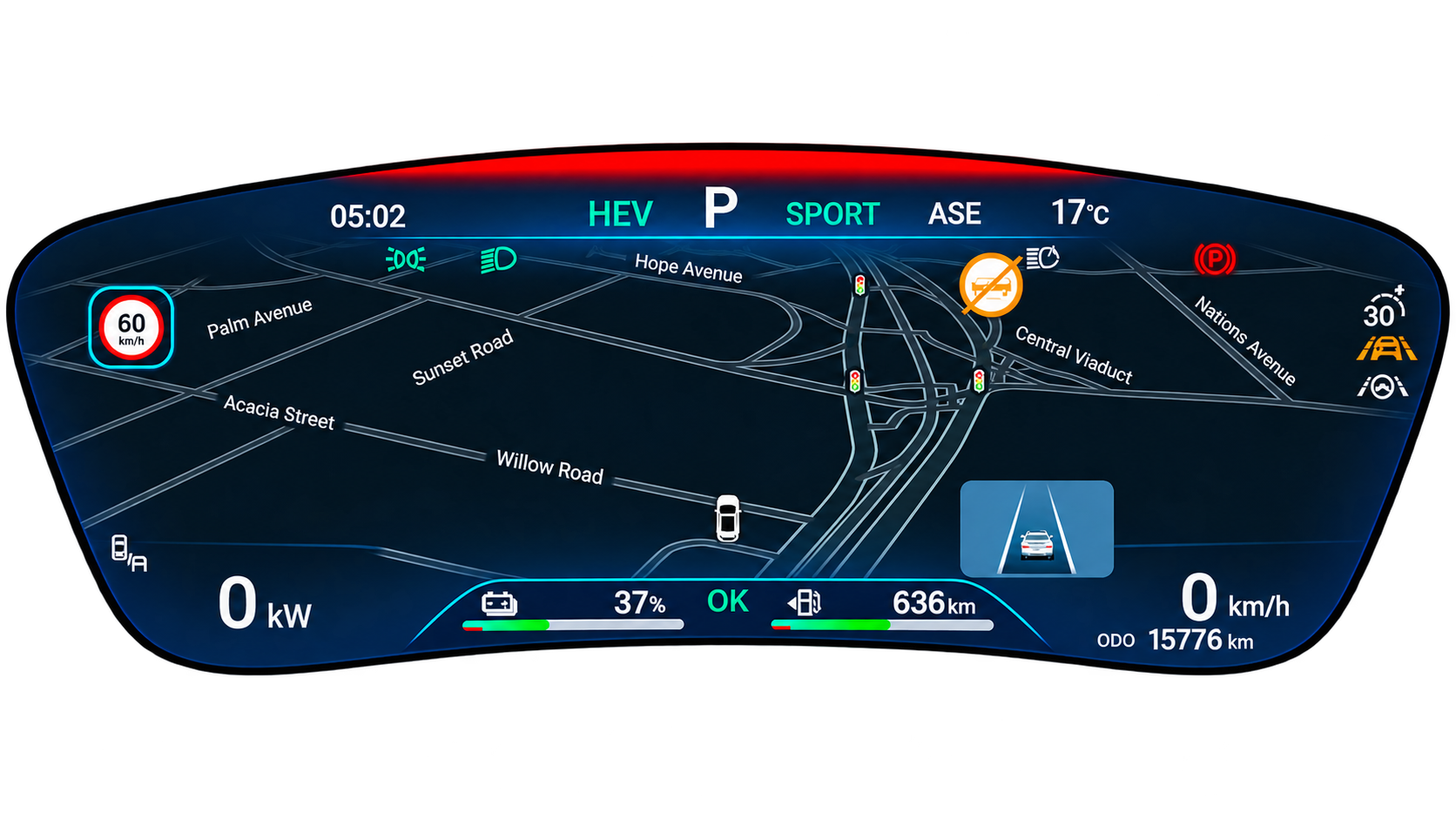
Your map, integrated into your instrument cluster.
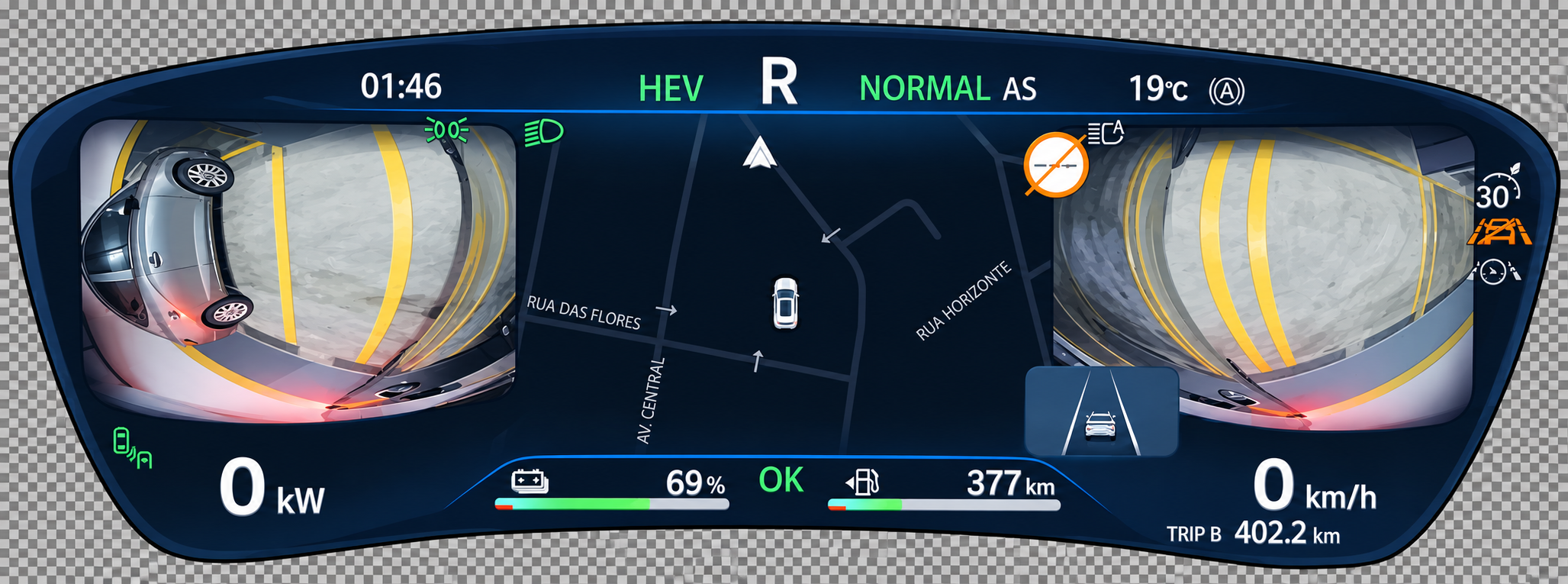
Maneuvering cameras alongside your navigation.
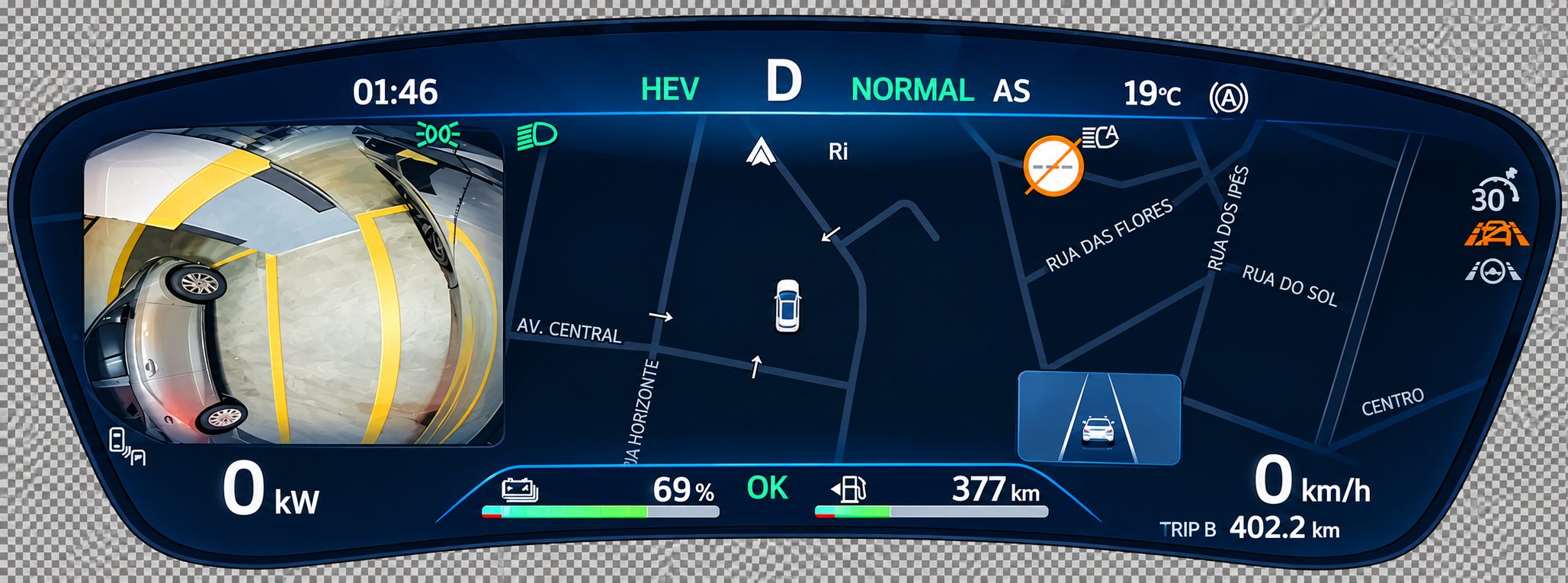
Your left camera on the cluster.
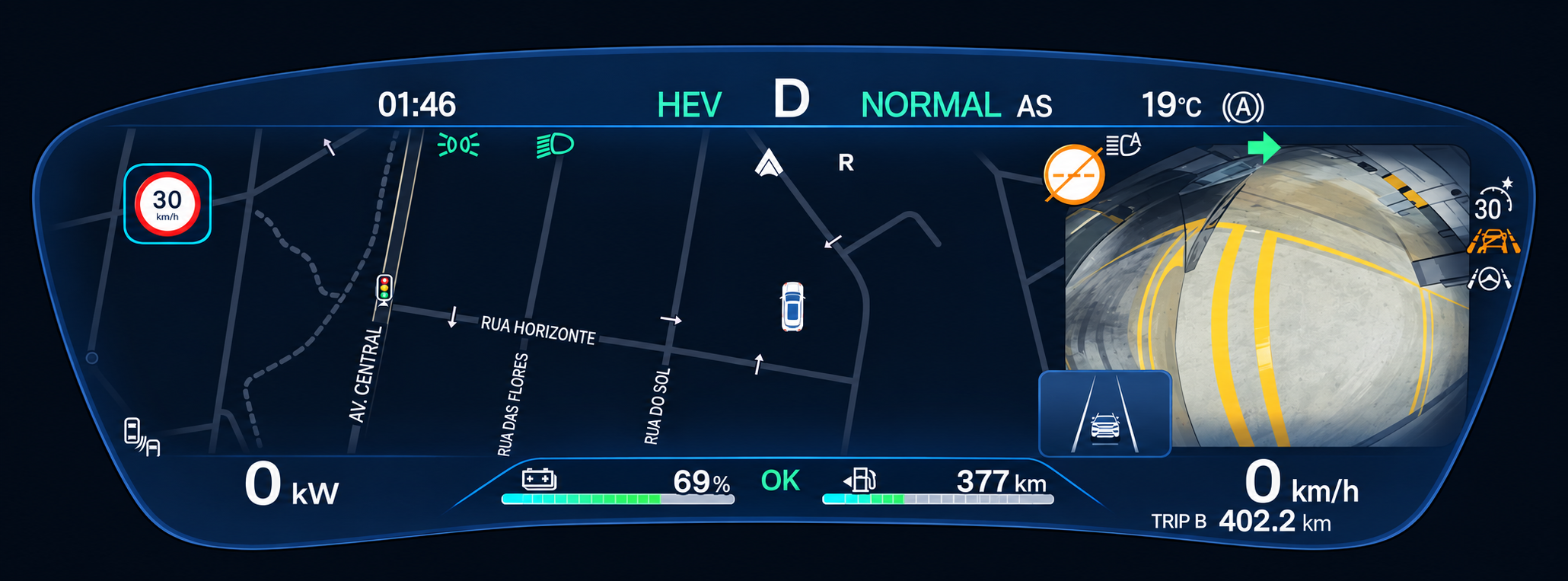
Your right camera on the cluster.
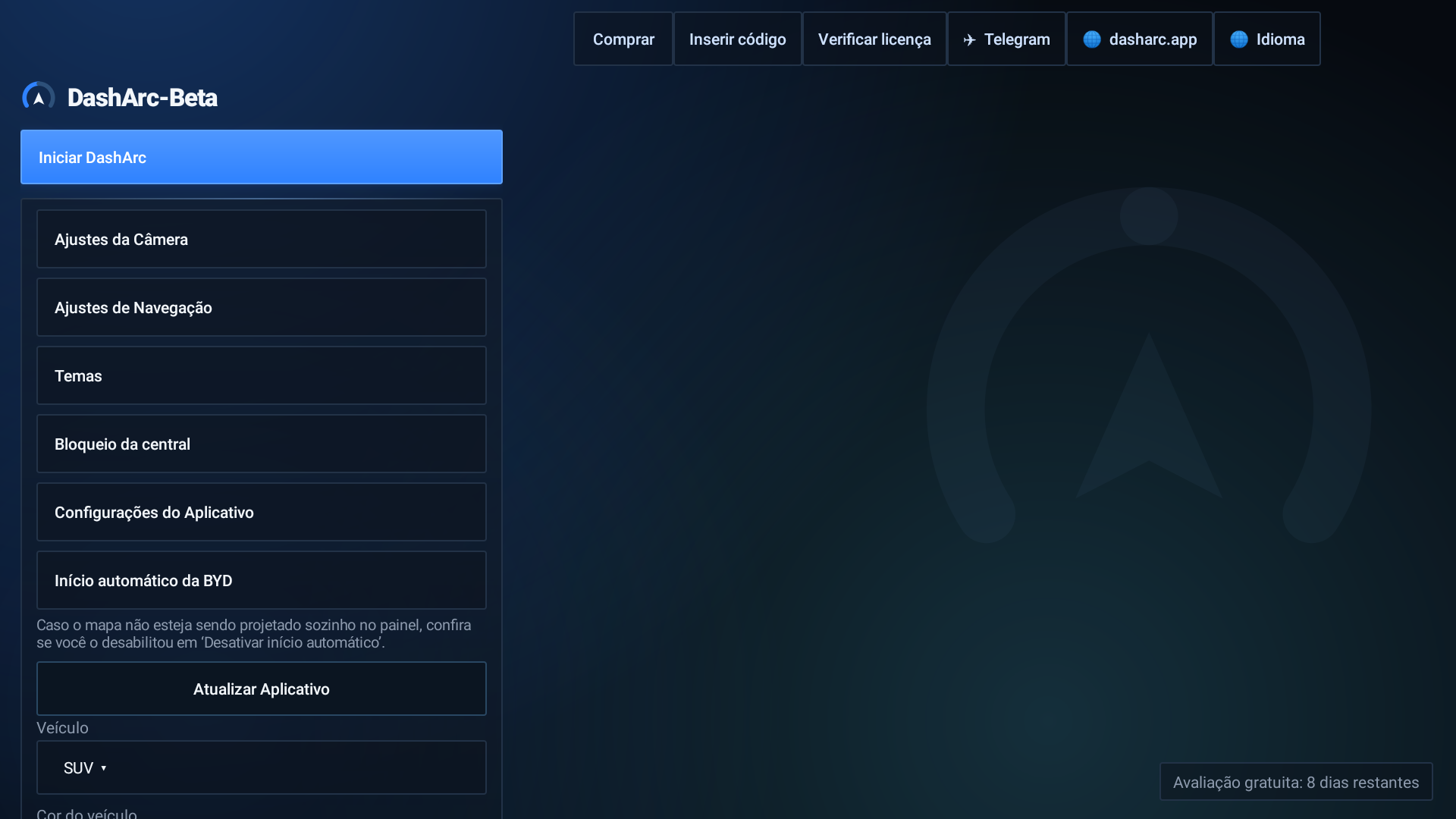
Everything the cluster shows is set up here.
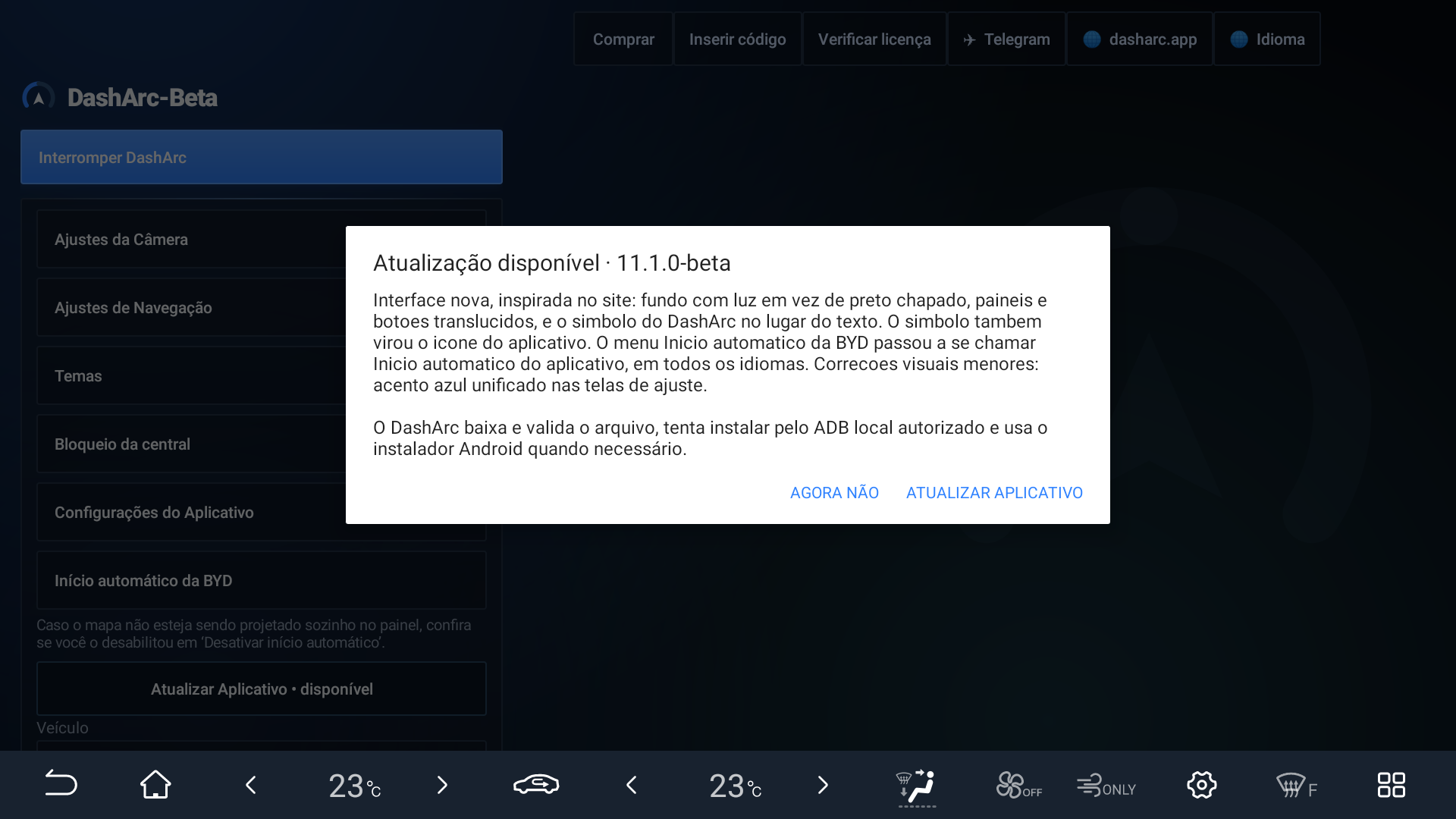
DashArc tells you, downloads and installs. No cable, no computer.
ON YOUR PHONE
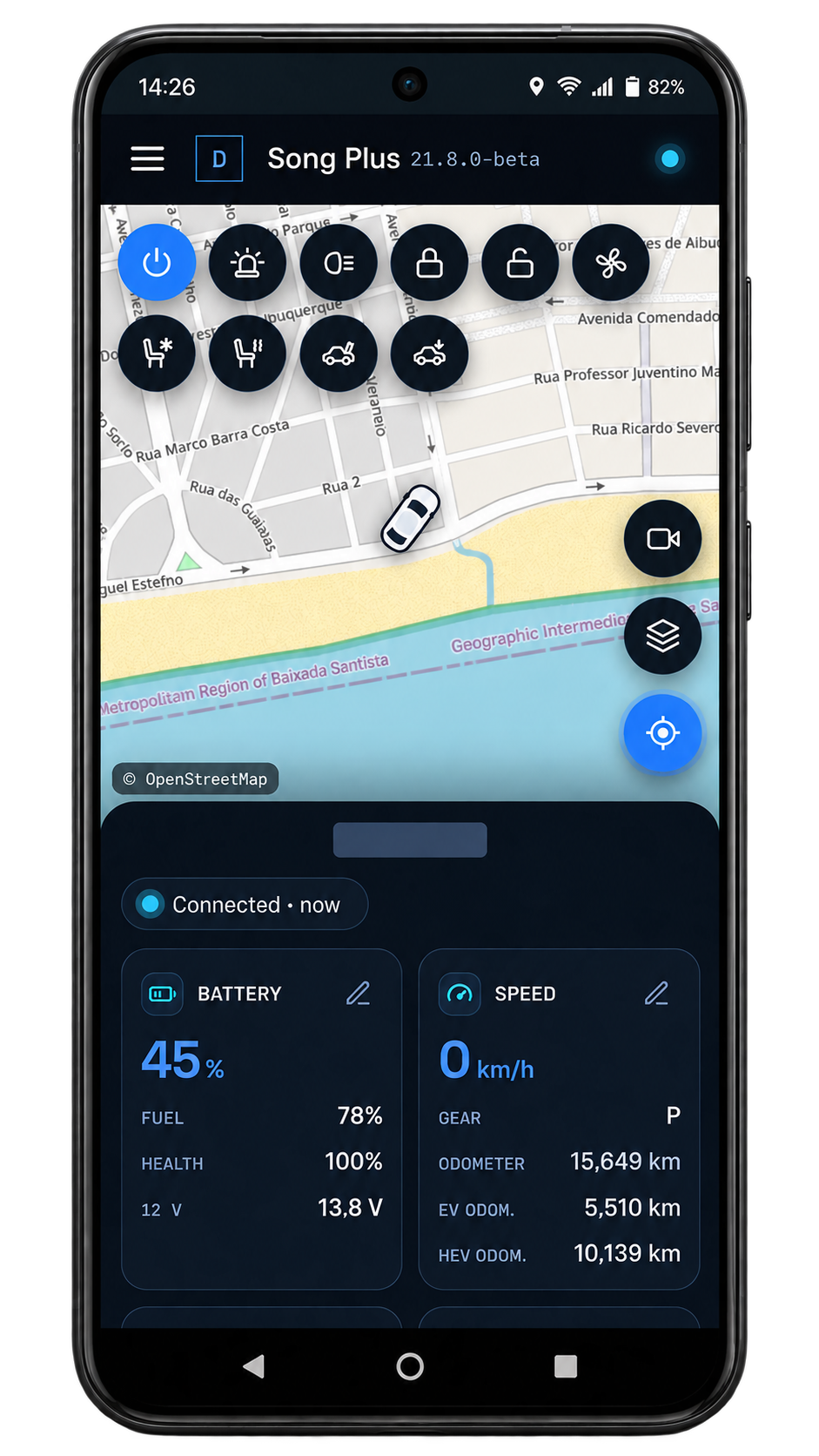
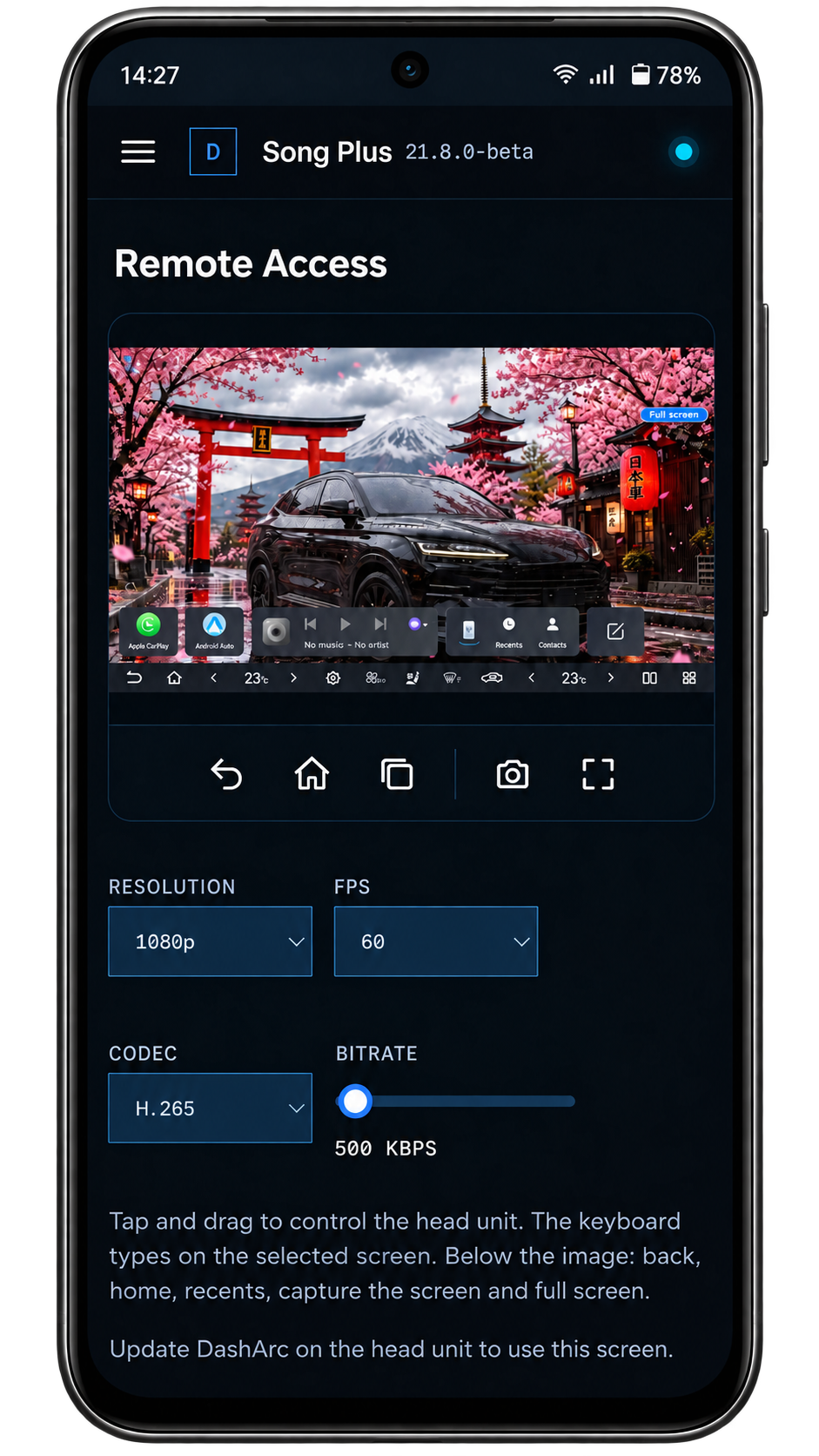
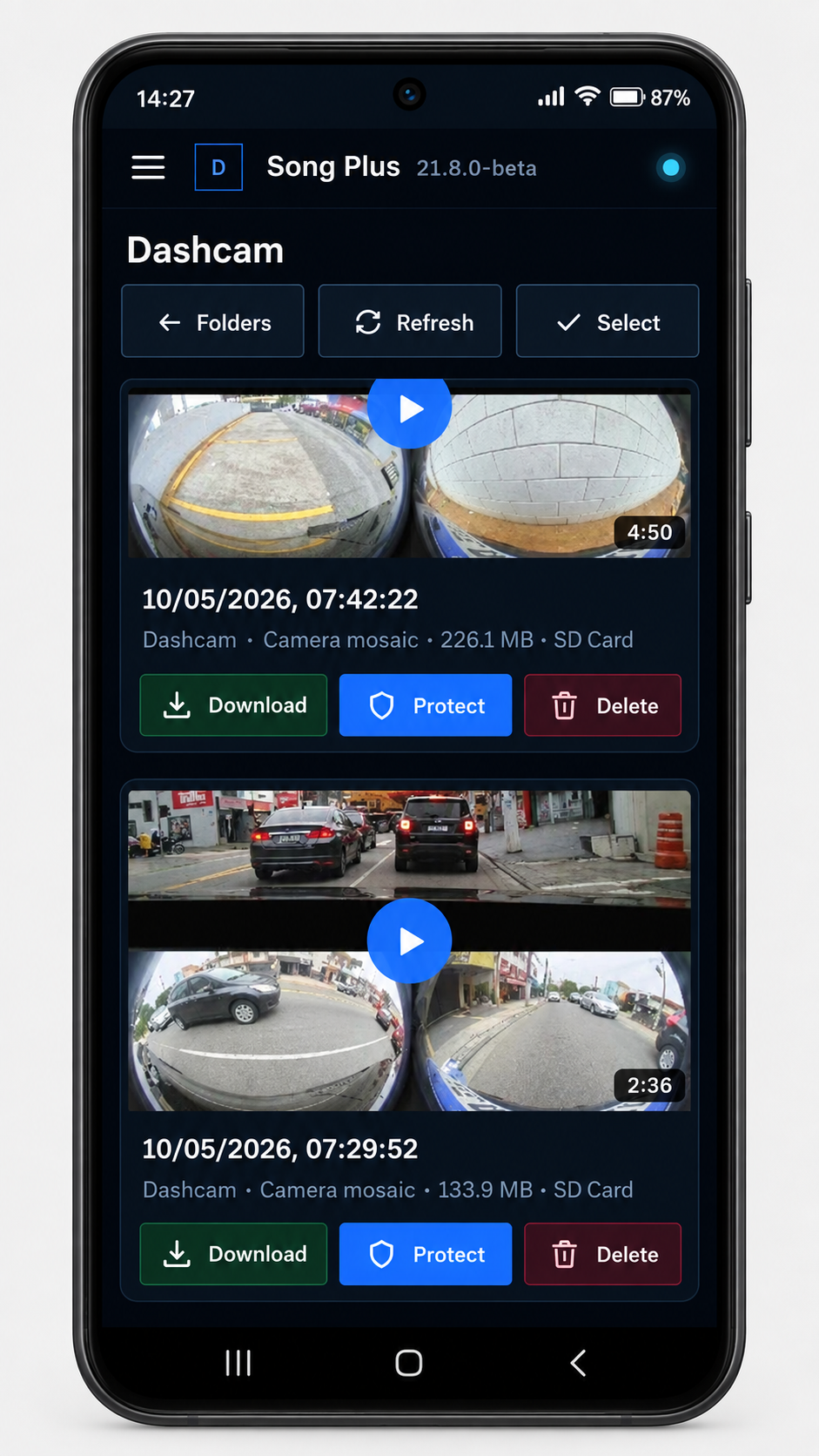
With the DashArc portal, in your phone or computer browser, you follow the car, watch your recordings and manage the head unit from anywhere.
See every DashArc feature in detail →
EVERYTHING WHERE YOU NEED IT
Follow Waze turn-by-turn navigation via Android Auto or CarPlay on the instrument cluster.
View maneuvering cameras on your cluster and keep your surroundings in sight.
Adjust positions, shapes, sizes, and settings to create your own cluster.
ROADMAP
Everything under Available in the app is already in the current DashArc version. Features in development are not available yet.
Fully integrated with Waze through Android Auto, with turn-by-turn navigation and lane guidance. Receive your route directly on the cluster without mirroring apps, while the media screen stays available for your family.
With DashArc CarPlay, your iPhone Waze map and turn-by-turn guidance appear on the instrument cluster.
See the rear camera and the side cameras on the cluster; the side view opens automatically when you use the turn signal. Camera views are customizable.
Multiple map themes are available so you can make the cluster feel like yours.
Adjust map colors, road width, label size, buildings and route style.
Receive alerts for nearby speed cameras during your route.
See alerts for reported police presence on your route.
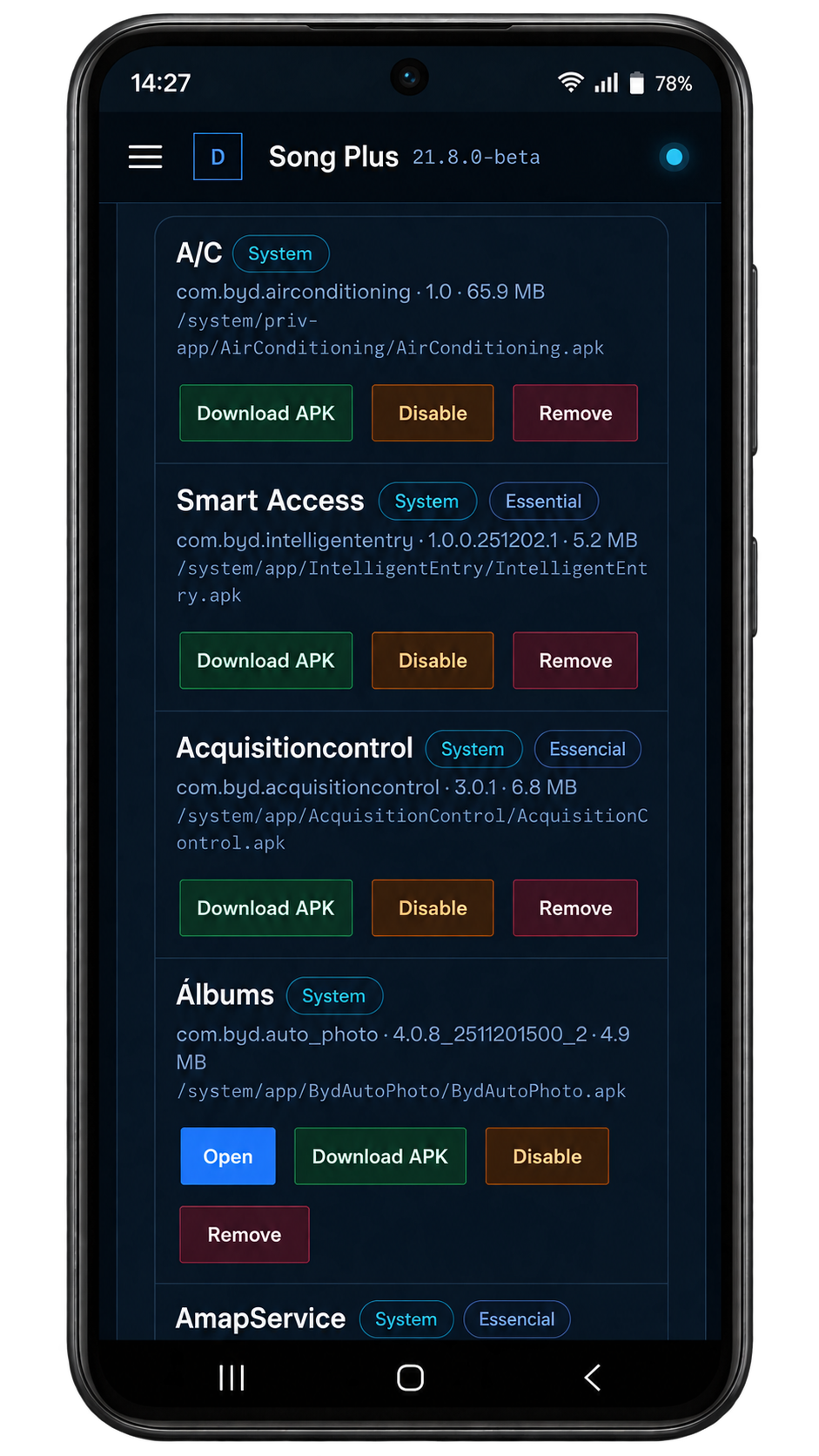
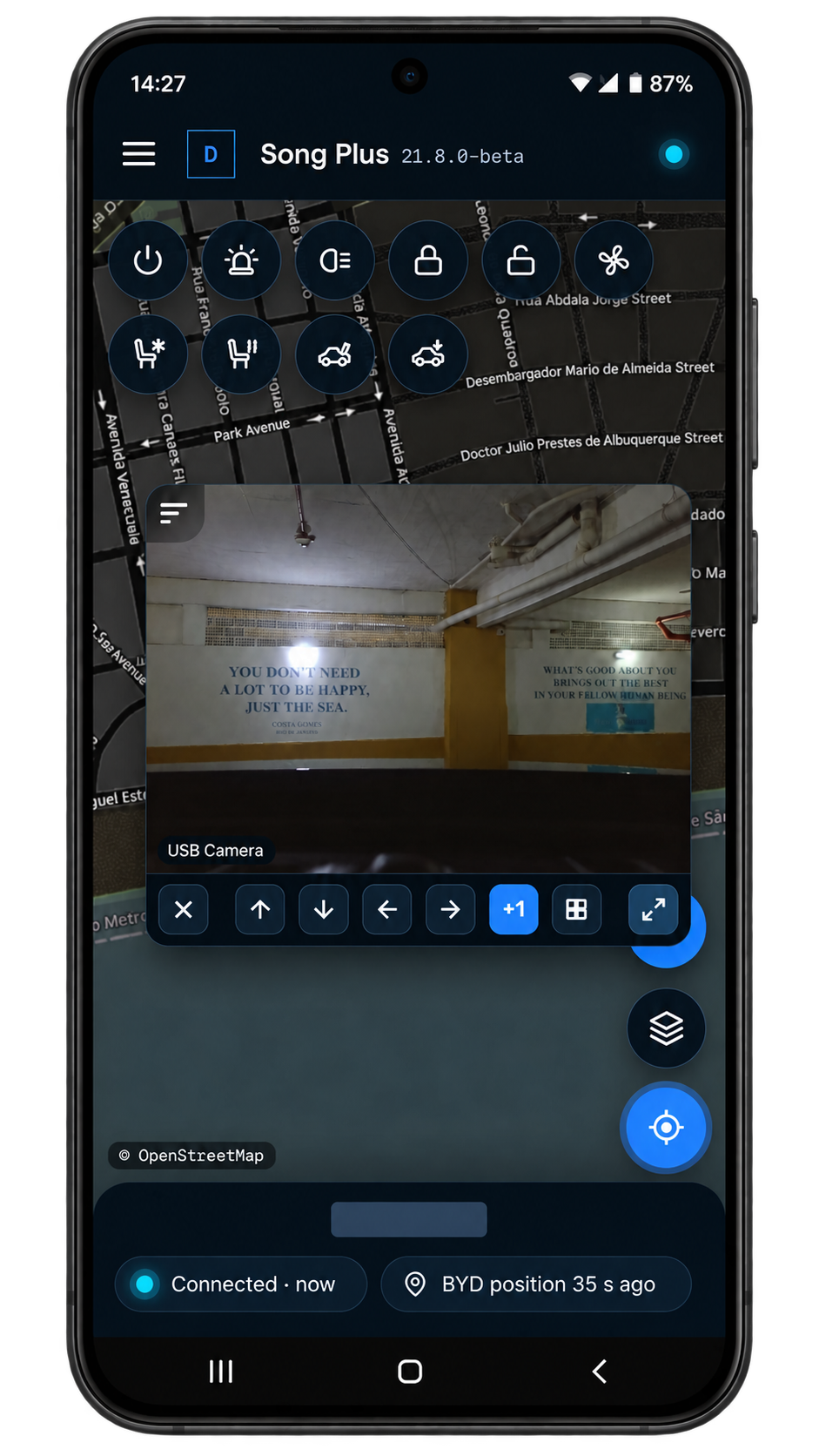
Control windows, sunroof, climate, seats, lighting and other compatible vehicle functions directly from your phone.
Start the vehicle, turn on the climate and open the trunk from your phone, even with the car off.
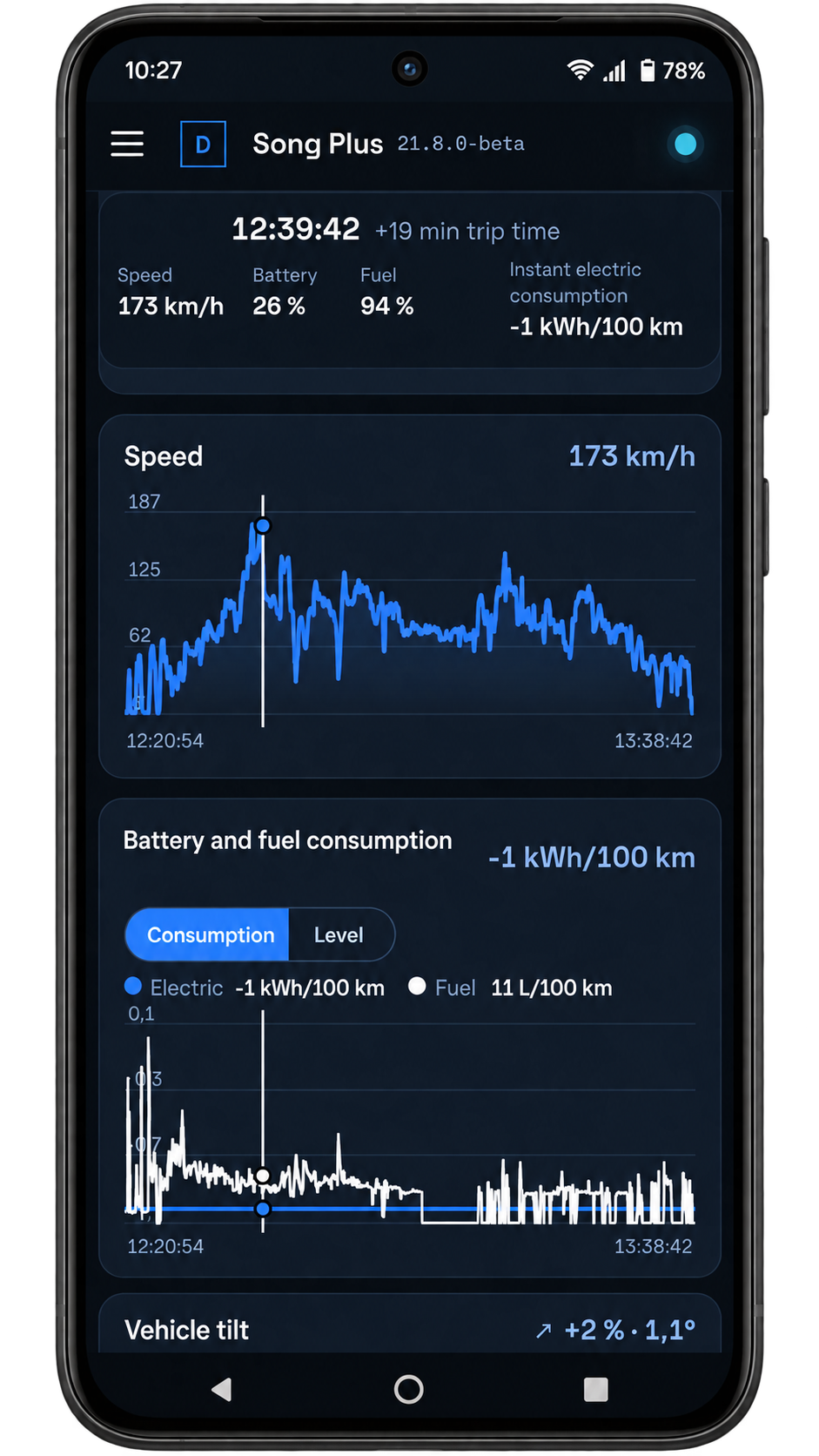
View live telemetry, battery and drivetrain data.
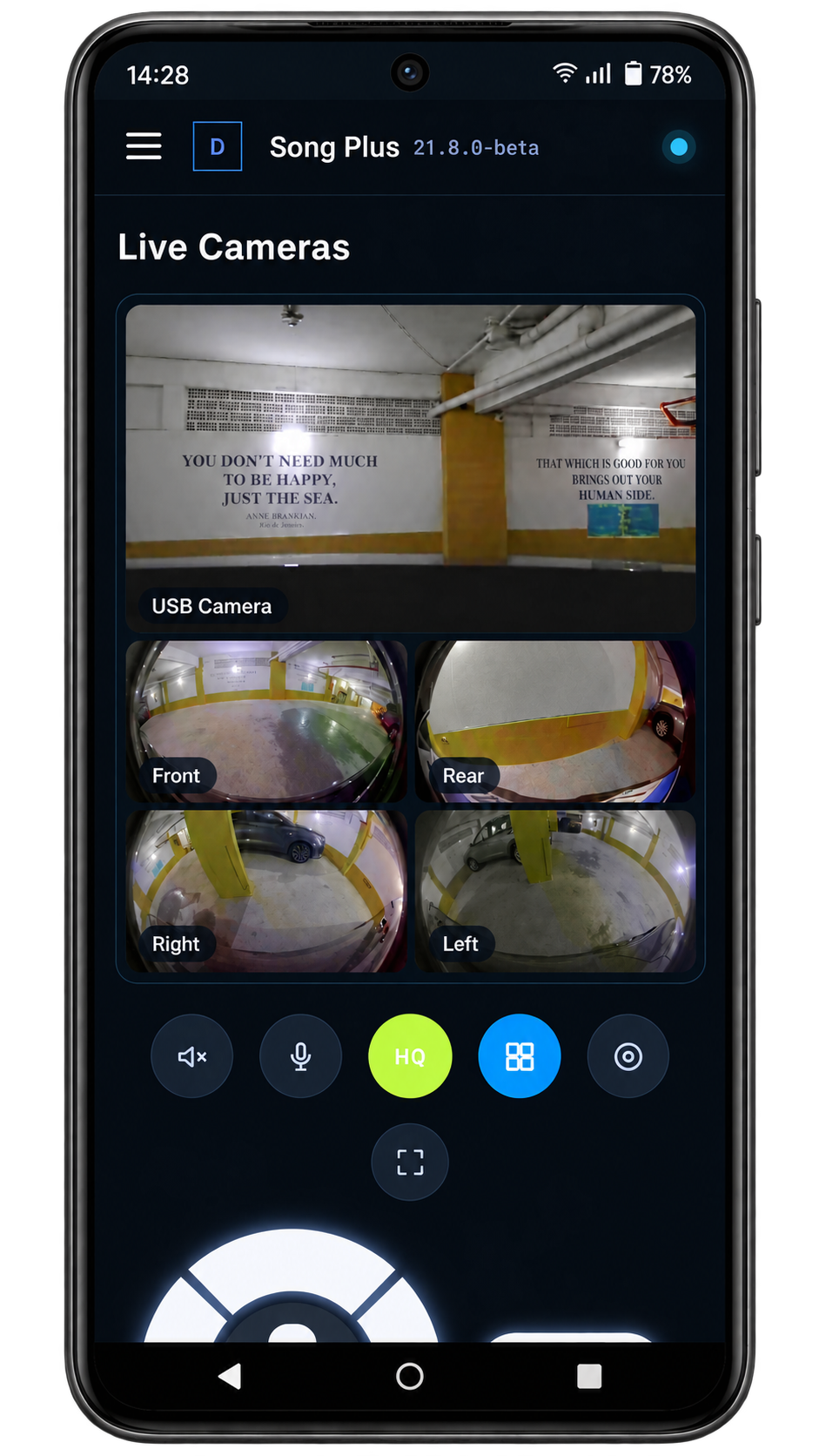
Watch your vehicle cameras live from your phone.
Listen to what is happening in the vehicle and talk to whoever is inside from your phone, right from the live cameras.
Record what happens around your vehicle in a single video with all four cameras, on the head unit, SD card or USB drive.
Watch and download your recordings directly on your phone or computer, wherever you are.
Connect a USB camera to the head unit to watch it live and record it together with the vehicle cameras.
Create routines that react to the vehicle state and run commands, with waits and conditions.
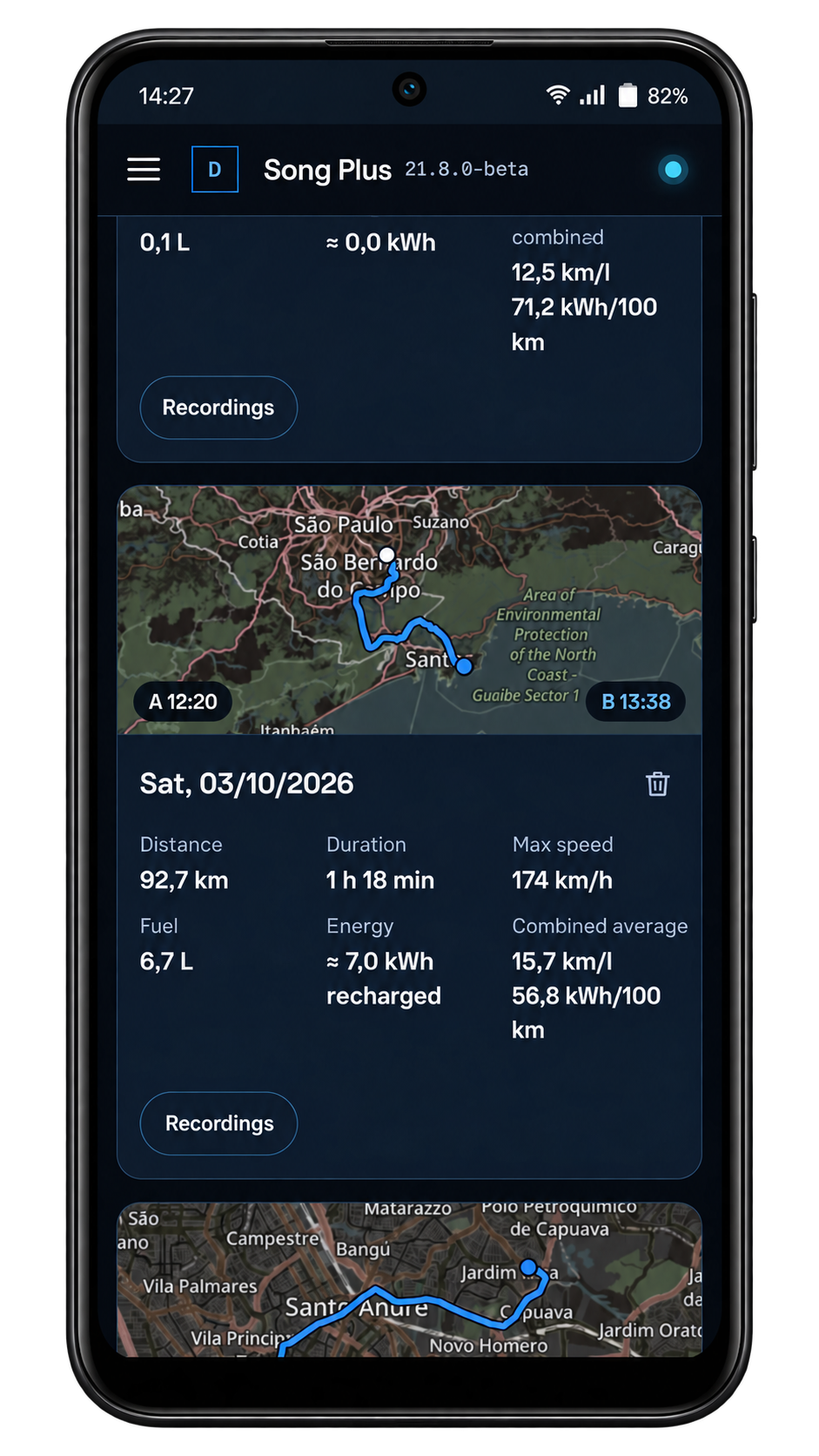
Review each trip with the route driven, energy and consumption.
Mark your places on the map, see how long you stayed at each one and pause the dashcam and sentry mode while you are there.
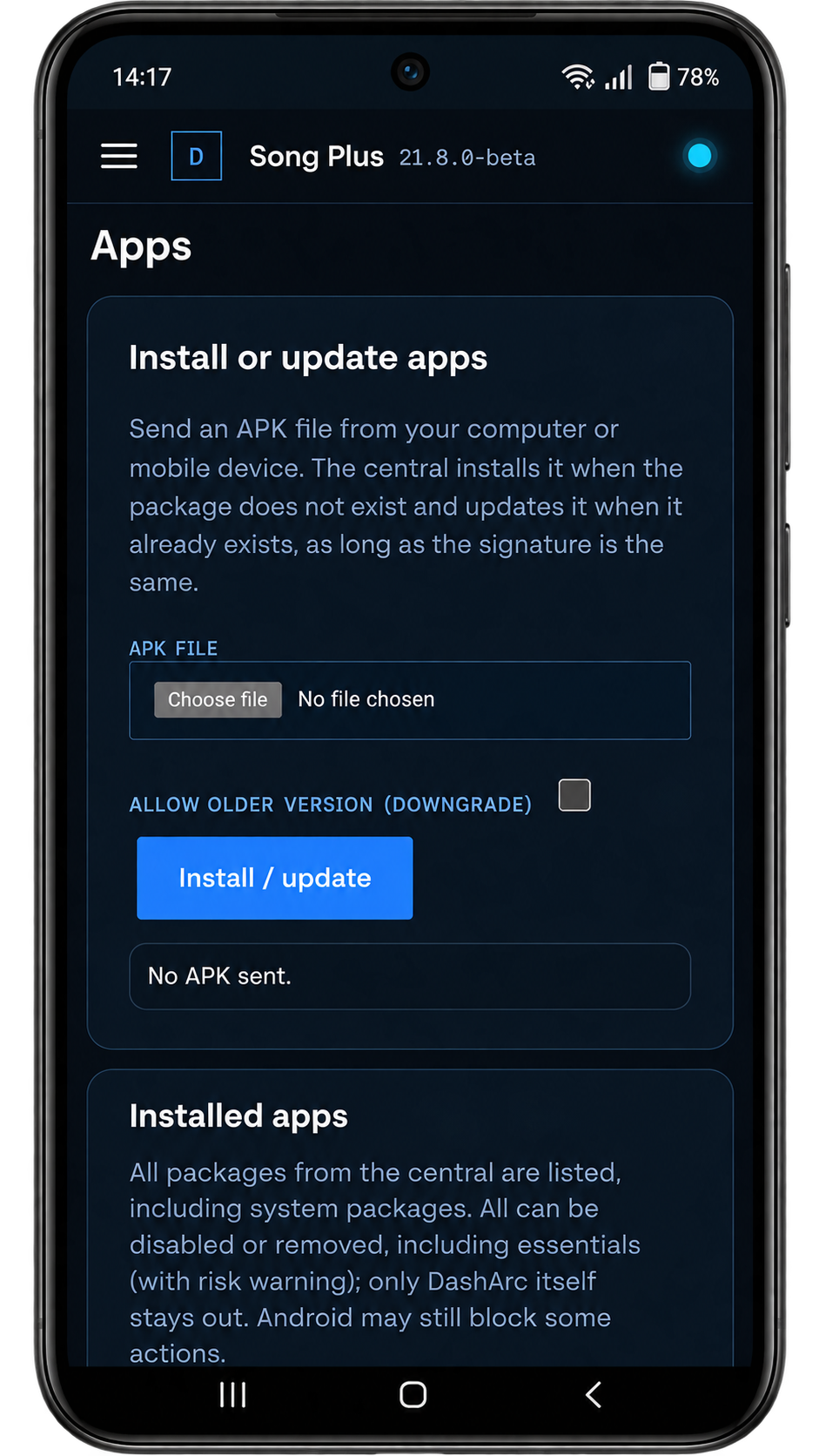
Install apps on the vehicle head unit directly from your phone.
Send files from your phone to the vehicle head unit.
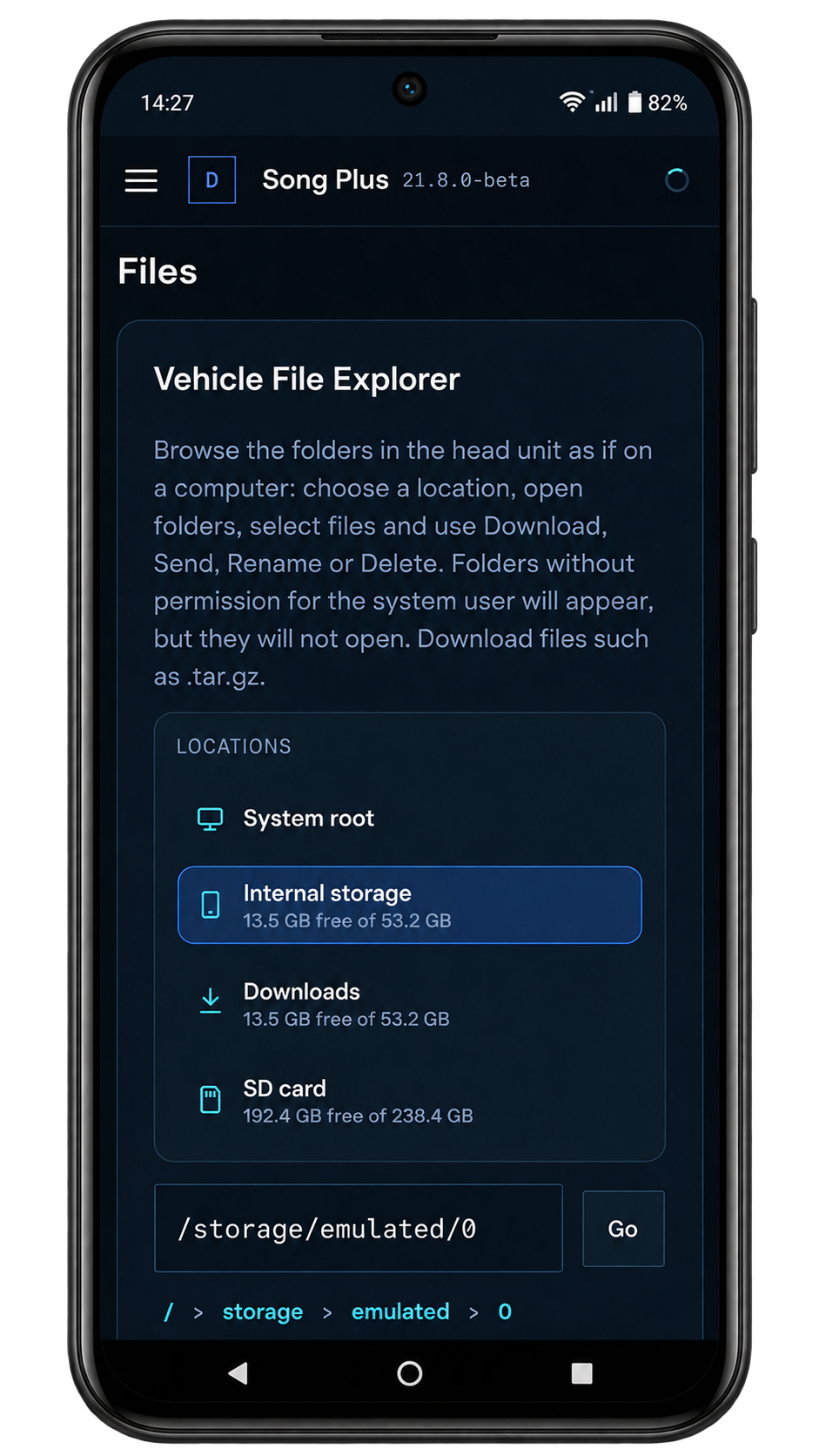
Organize and manage files on the vehicle head unit.
Protect the head unit with a PIN, password or pattern, with valet mode.
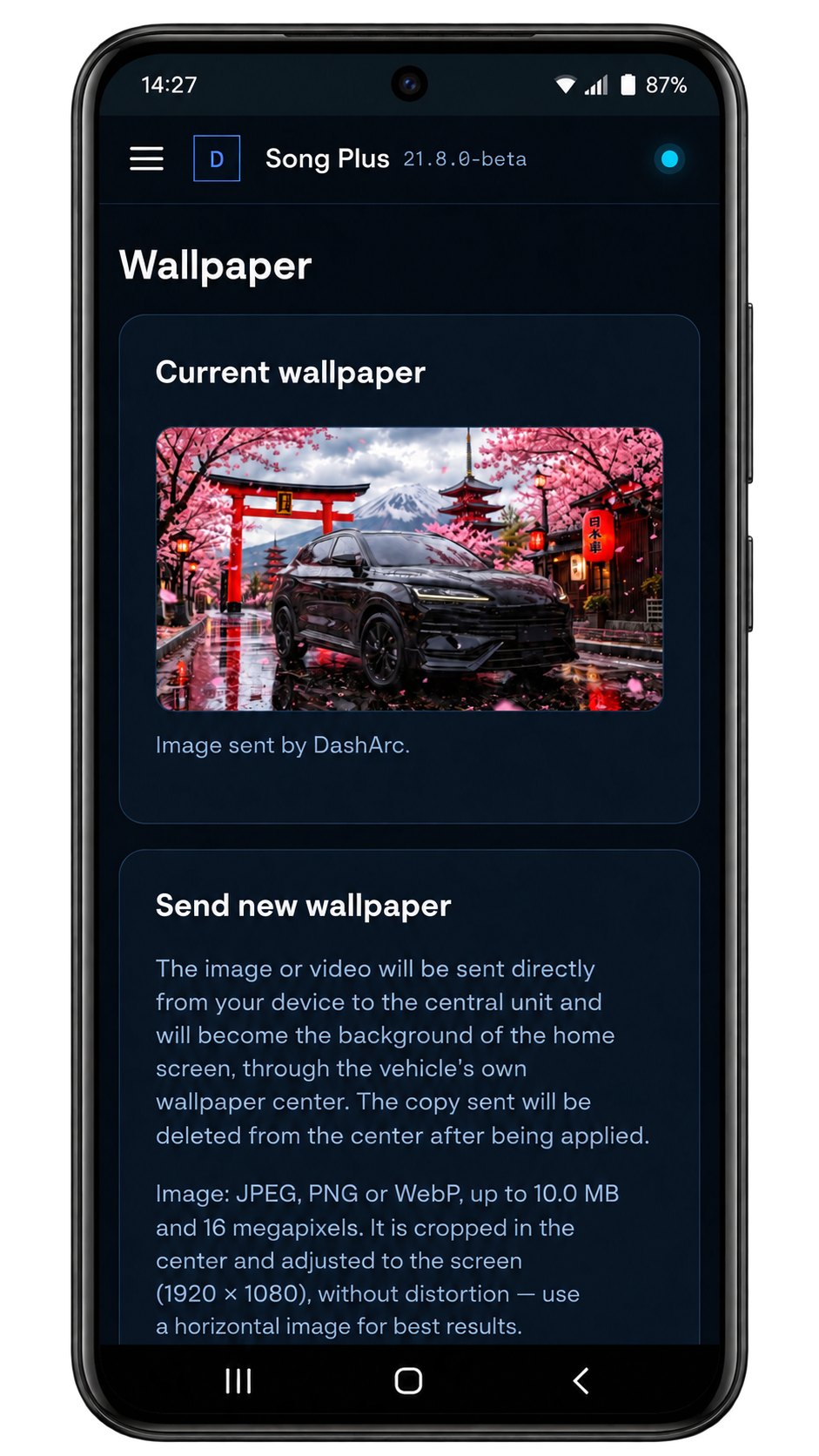
Personalize the vehicle head unit with your preferred wallpaper.
DashArc notifies you, downloads and installs new versions right from the head unit.
Connect your vehicle to Home Assistant to run commands and create routines and triggers based on vehicle state.
Tested on DiLink 3 head units in the 13.1.33 family. Compatibility with other head units and versions is not guaranteed.
AVAILABLE FOR
Song Plus · Song Premium · Sealion 6 · Seal U · Seal · King · Destroyer · Dolphin · Song Pro · Tan and other models with a compatible DiLink head unit. See DashArc on each model →
Final compatibility depends on the head unit and system version installed in the vehicle.
APP INTEGRITY CHECK
Compare the SHA-256 below with the downloaded file to verify its integrity.
f91086f8e7a99fc0c3beaf1a31886193d2ef5419ec488307ab5f6c46f2e4bc25ANDROID AUTO · CARPLAY · BYD DILINK
DashArc brings Waze turn-by-turn navigation via Android Auto and CarPlay to the driver display, with maneuvering cameras and a layout you can personalize.
It is navigation on the display in front of the steering wheel, where you also see driving information. Read our guide to maps on the BYD instrument cluster.
DashArc is designed for the BYD range with DiLink head units, including the Dolphin, Song, Yuan, Atto, Seal, Sealion, King, Han, Tang and Shark families. Check the DiLink head unit and its software version, then follow the installation guide. Test the beta on your vehicle; available functions depend on the head unit and firmware.
DashArc integrates maneuvering cameras with navigation and lets you adjust their position, size and layout.
START WITH YOUR FIRST TRIP